Coffee Cafe Corner Pro
  • 1. Folder Organization
  • 2. Installation
  • 3. License Key
  • 4. FTP
  • 5. Providing up Plugins
  • 6. Get Started
  • 7. Ordering
  • 8. Managing the Navigation
  • 9. Site Identity
  • 10. Top Bar
  • 11. Header
  • 12. Banner
  • 13. Our Popular Brews
  • 14. Category
  • 15. Welcome
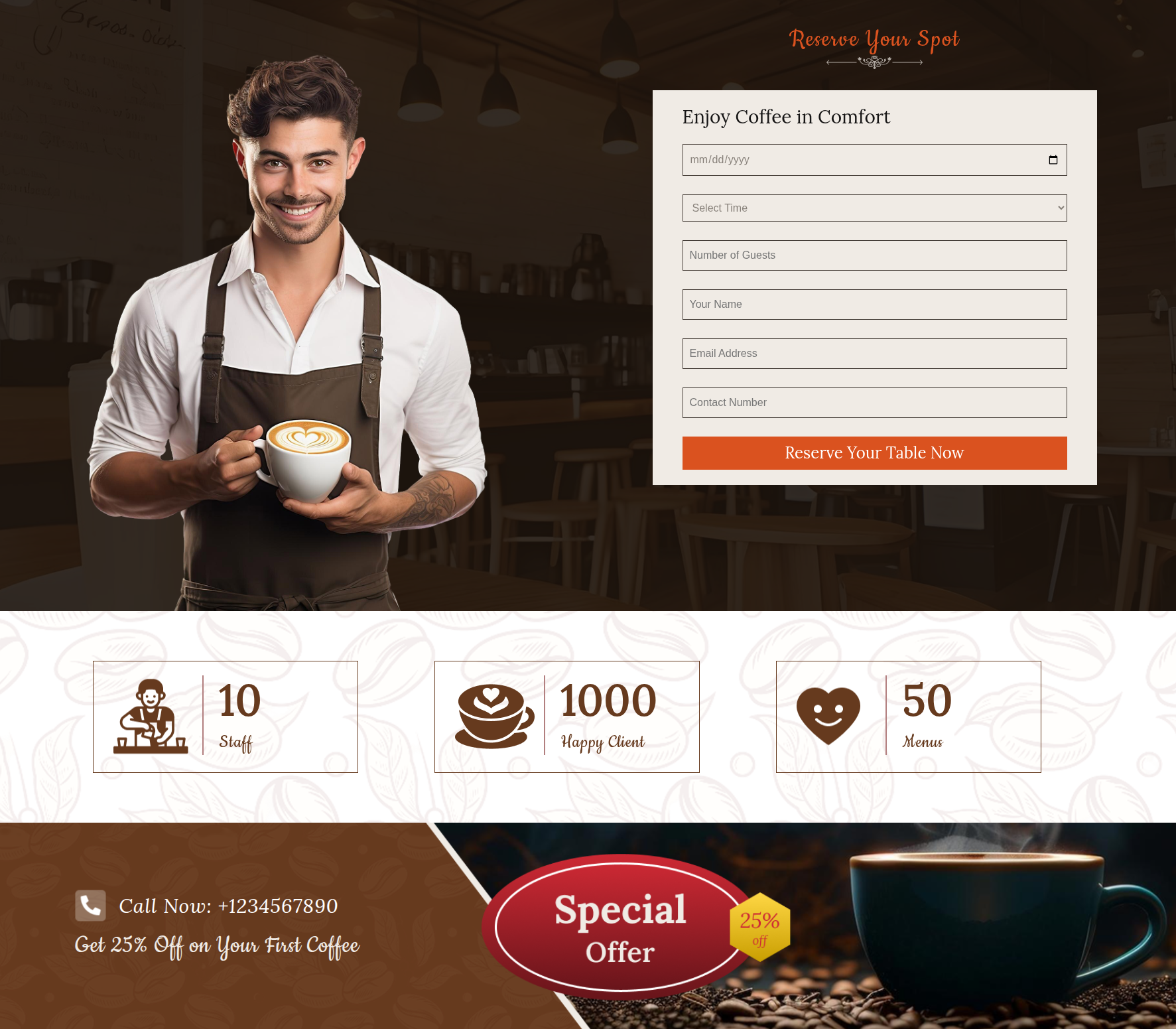
  • 16. Home Contact Page
  • 17. Team
  • 18. Testimonial
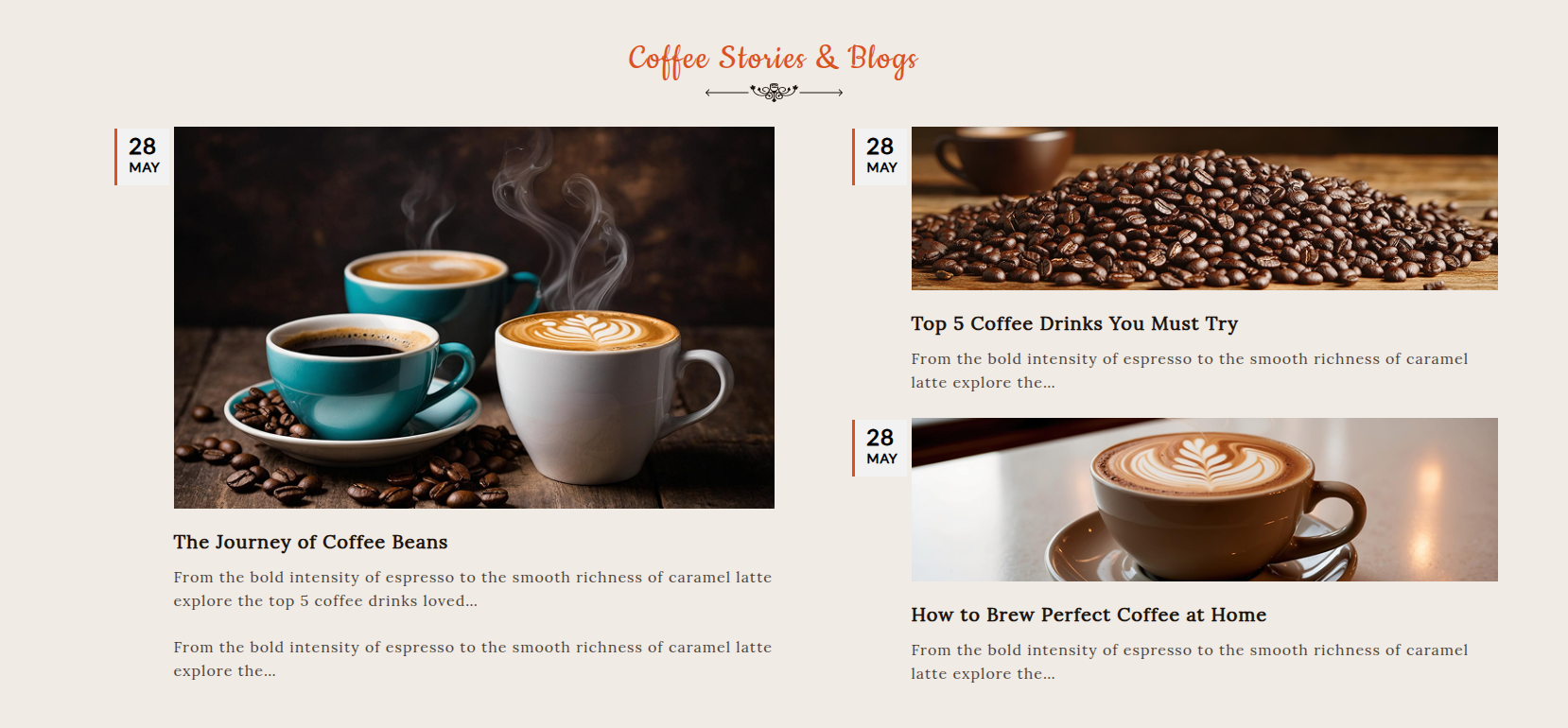
  • 19. Latest News
  • 20. Newsletter
  • 21. Contact Page

Click this button for info.

1. Folder Organization

Comprehension of the folder hierarchy

You'll see that the bundle has several directories when you install it. An overview for every file and its data may be seen below:

kindly aware as the snapshots you have been shown are merely templates and should not be used for real production.

Theme: All of the WordPress theme files are contained in this directory.

"coffee-cafe-corner-pro" -The folder here contains all of the WordPress theme files that are necessary.

2. Installation
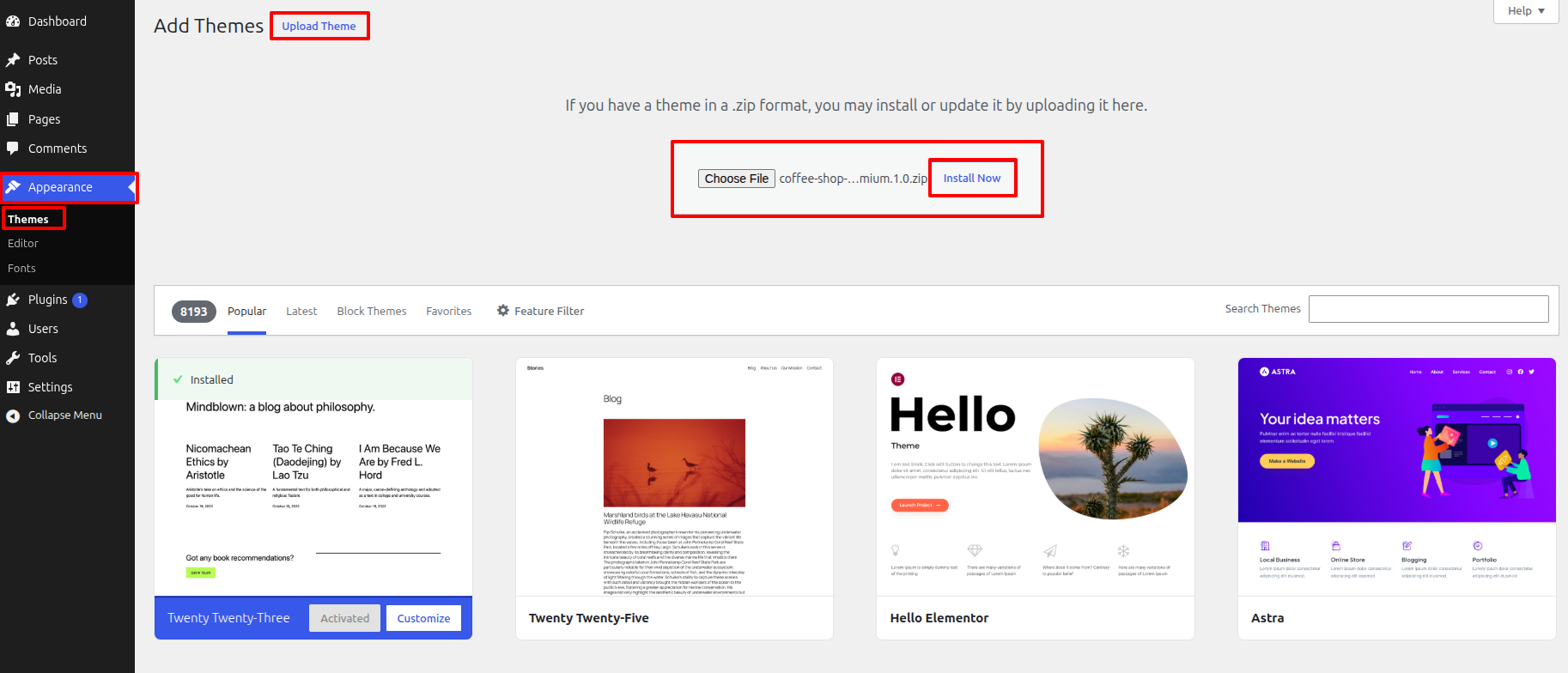
Implementing from the beginning the Template

3. License Key

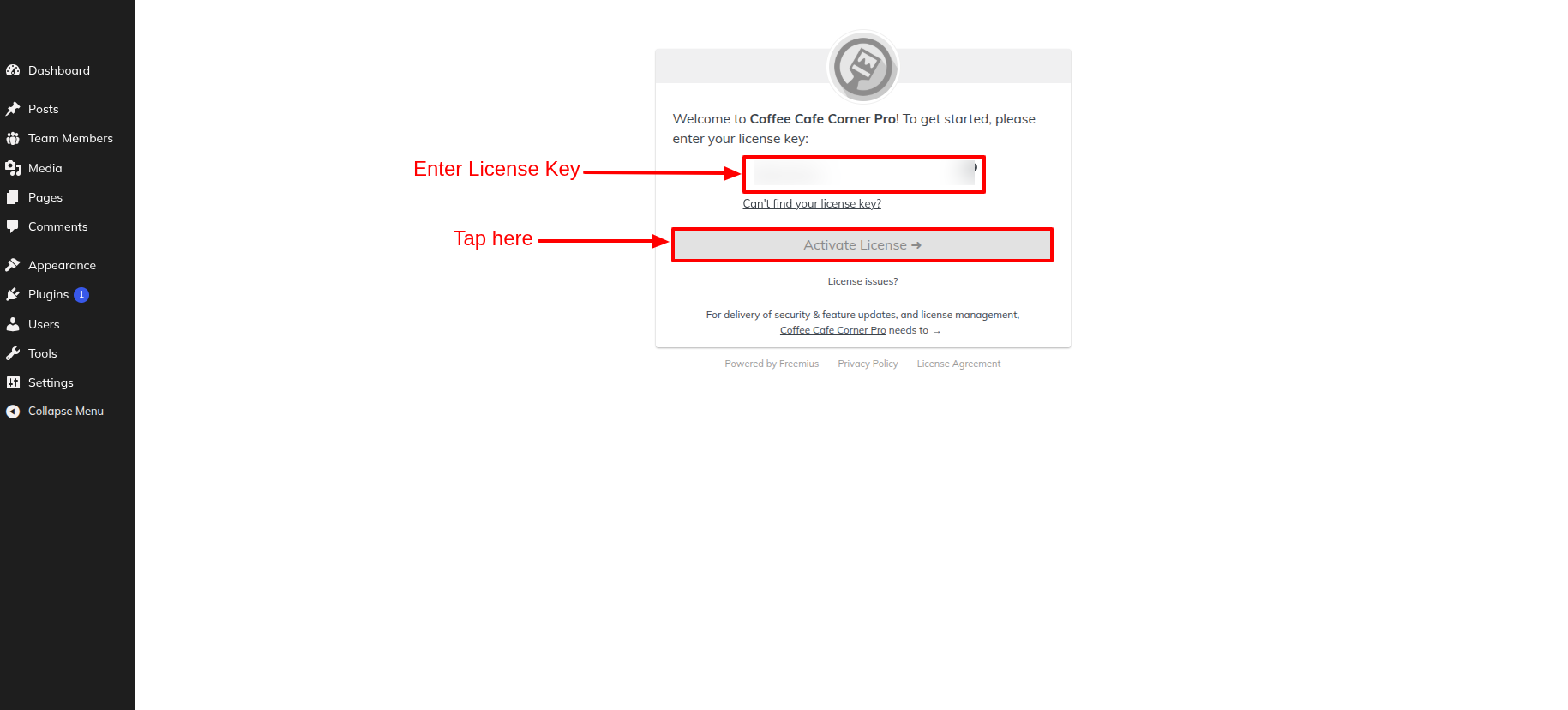
Activate the License Key.

Details to activate the license key are given below — please follow them.

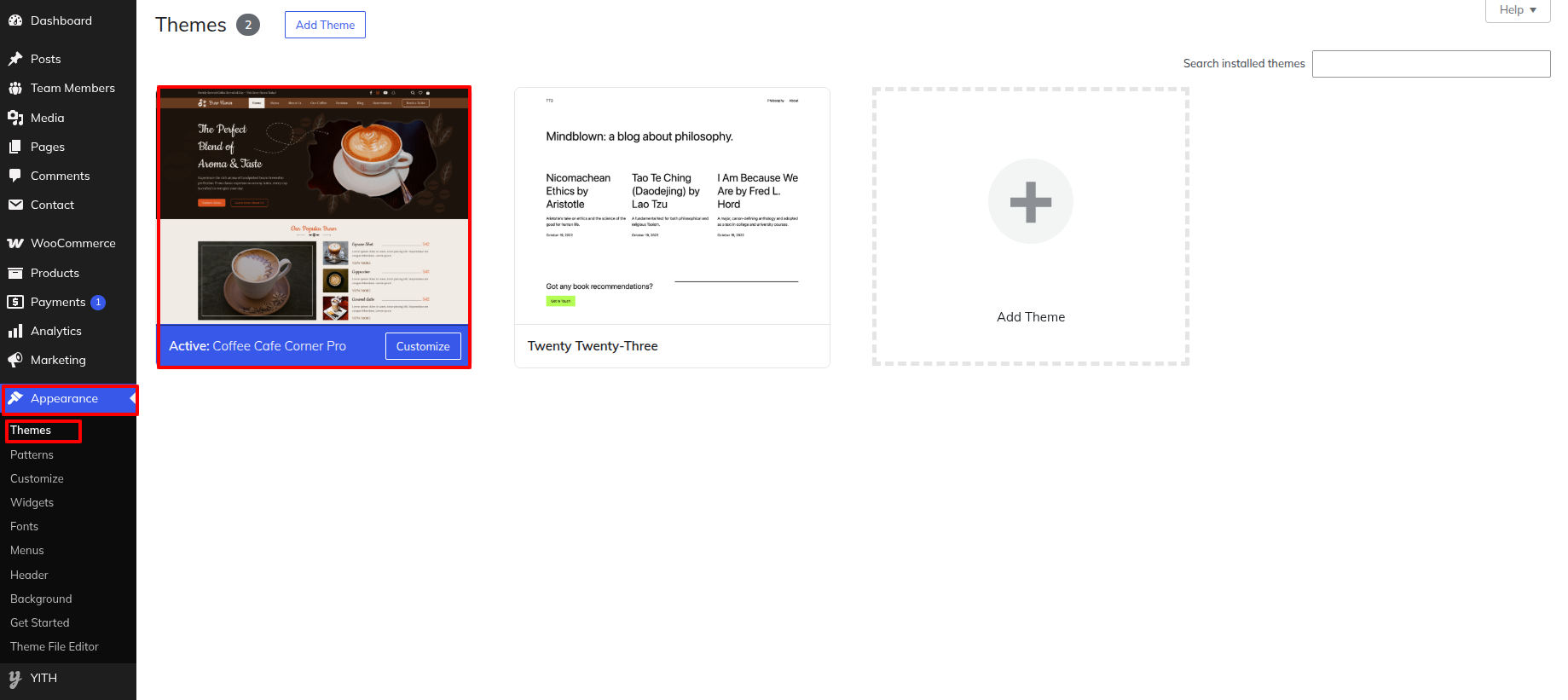
First Move ~ Refer to the "Dashboard" ~> then pick "Appearance" ~> afterwards "Themes" ~> then Jump to "Activate theme" ~> and finally arrive at the "It must be showing the license key—enter the license key there." ~> simply press "After entering the license key, click on Activate" .
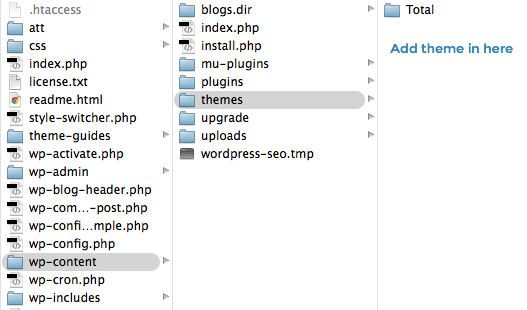
4. FTP
Opening up FTP transferring

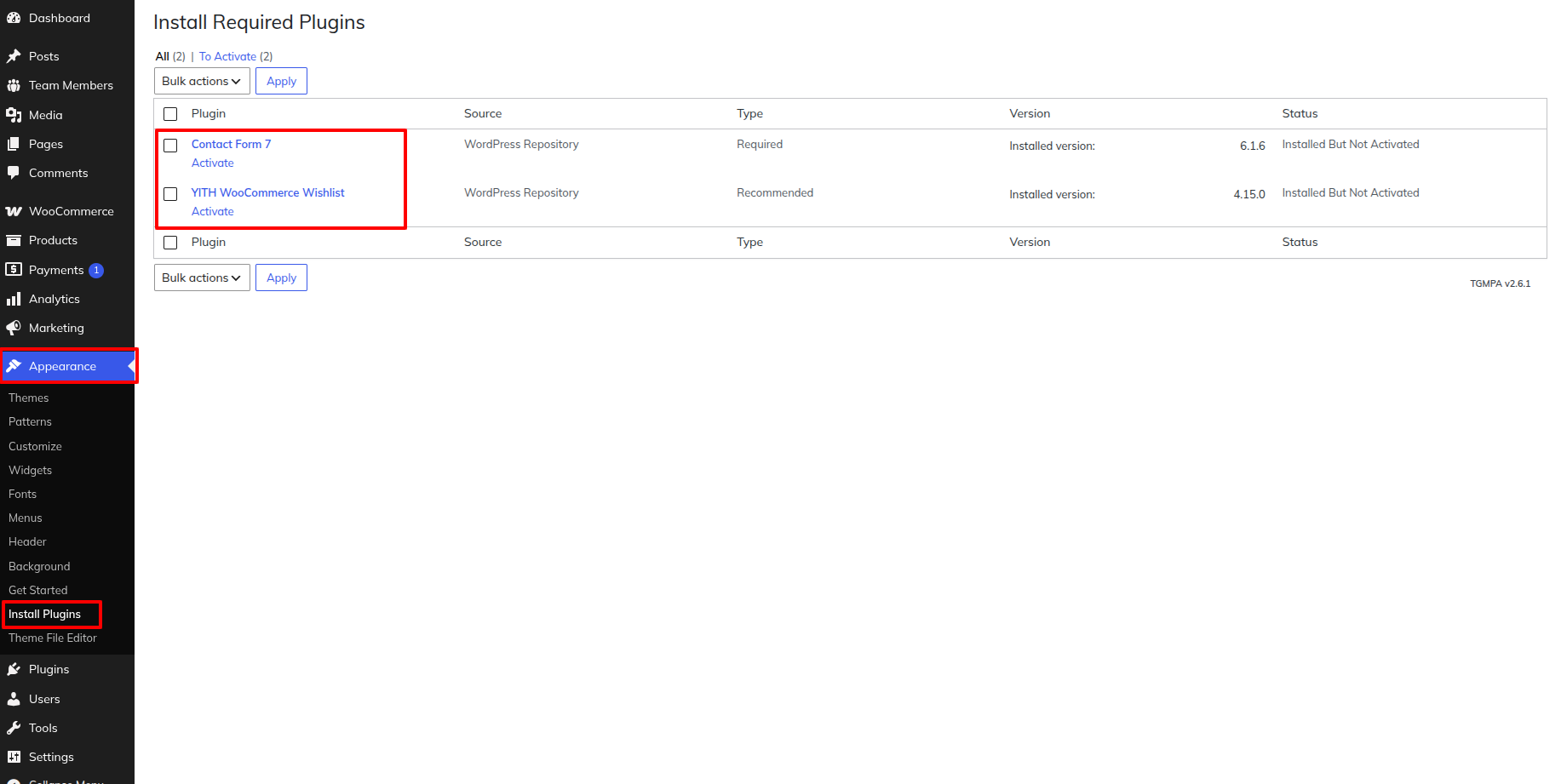
5. Providing up Plugins

Implementing from the beginning the Plugins

6.Get Started

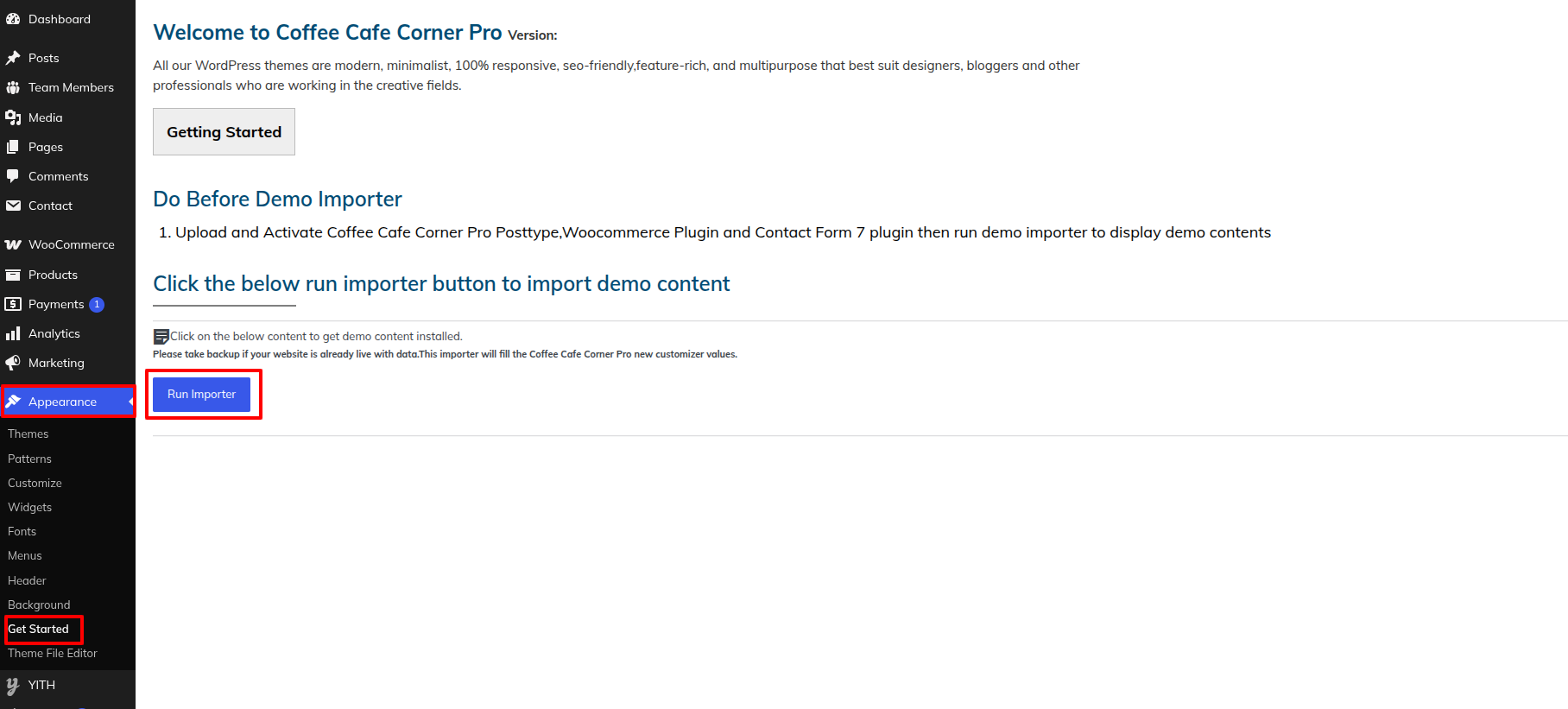
Implementing from the beginning the Demo Import

7. Ordering

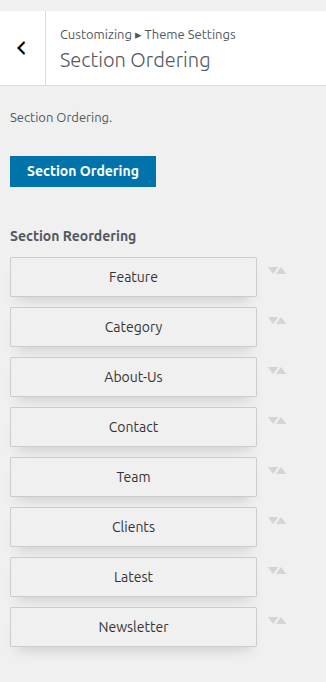
This is the portion of the Ordering reference.

8. Managing the Navigation

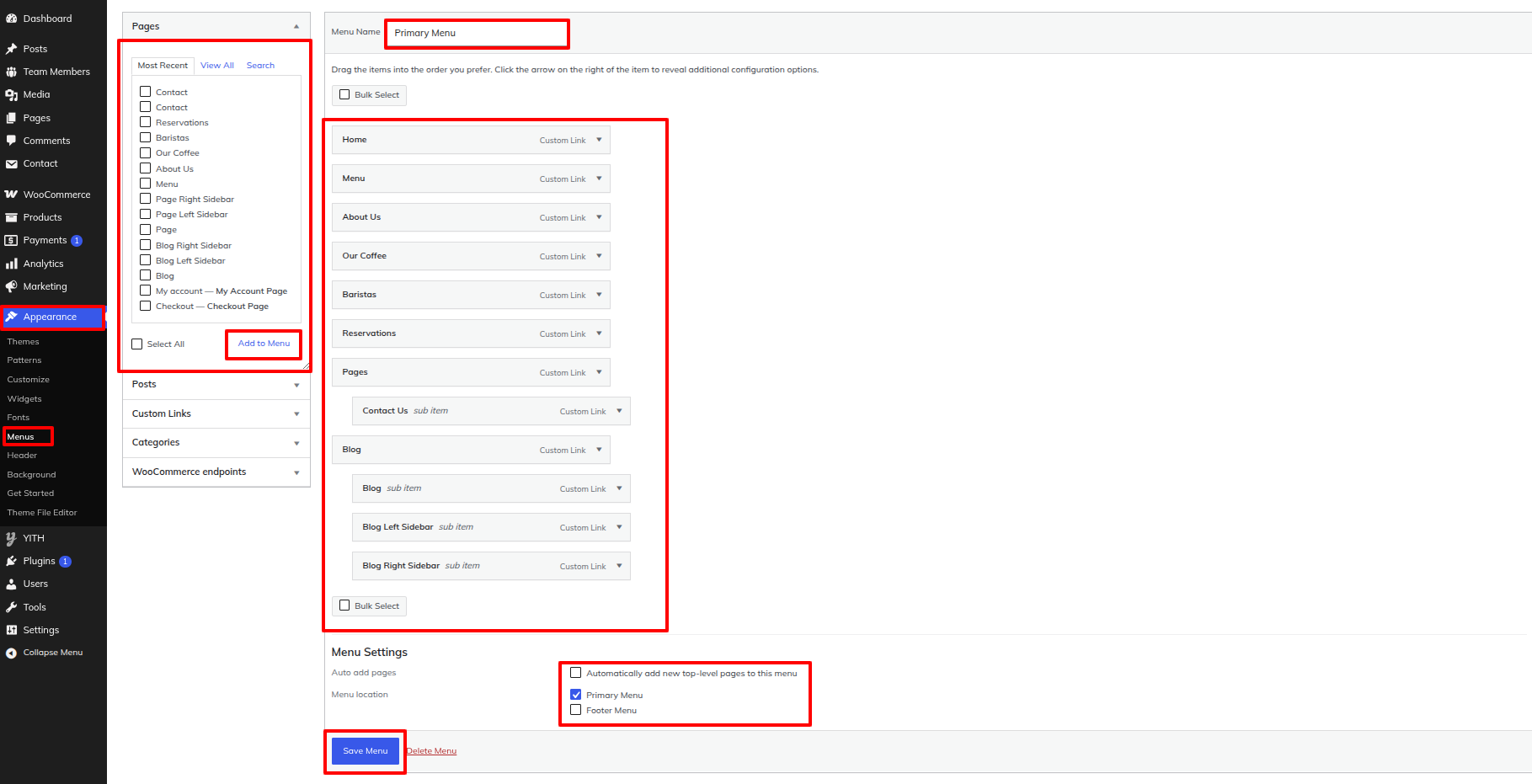
This is the portion of the Navigation reference

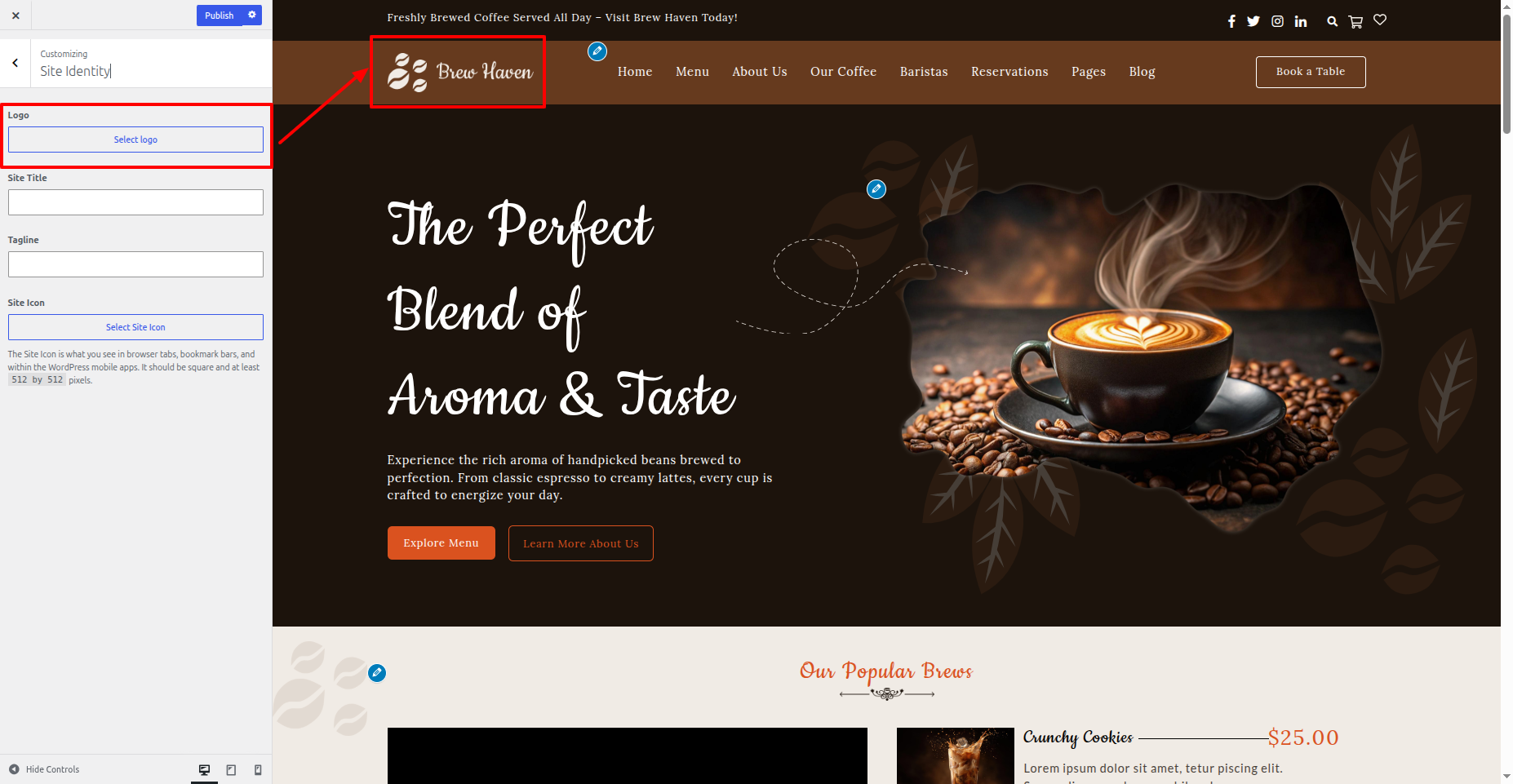
9. Site Identity

This is the portion of the Site Identity reference

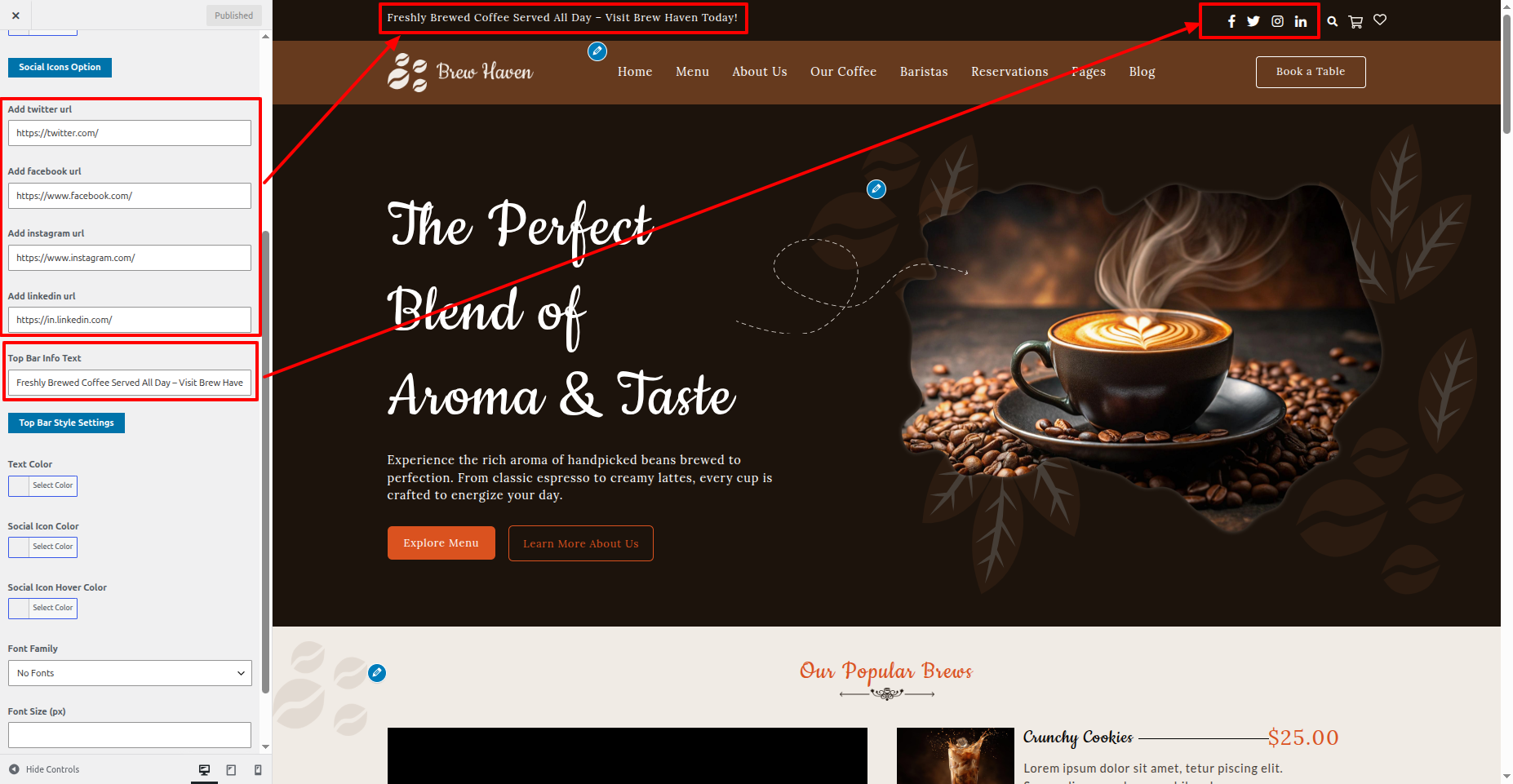
10. Top Bar

This is the portion of the Top Bar reference

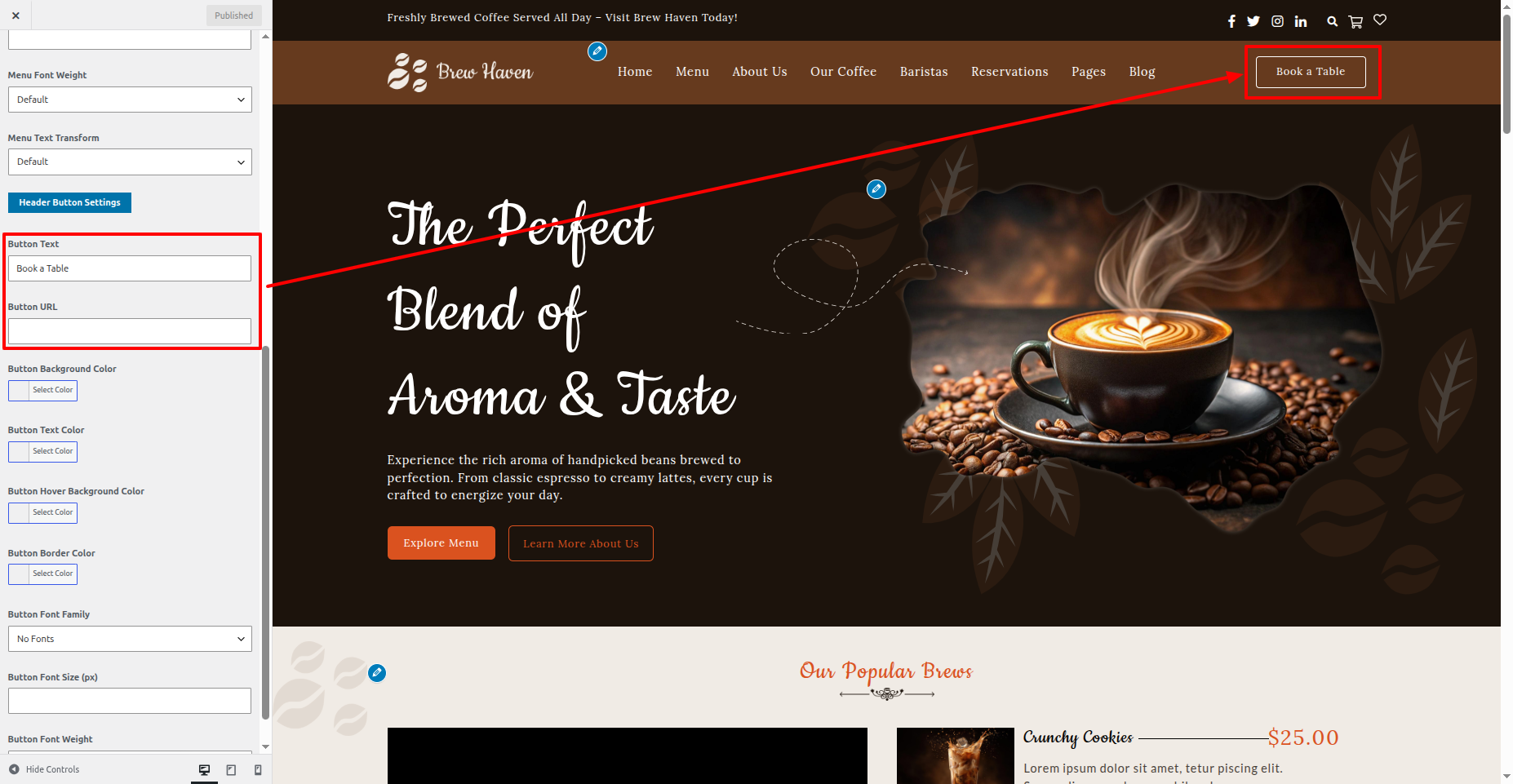
11. Header

This is the portion of the Header reference

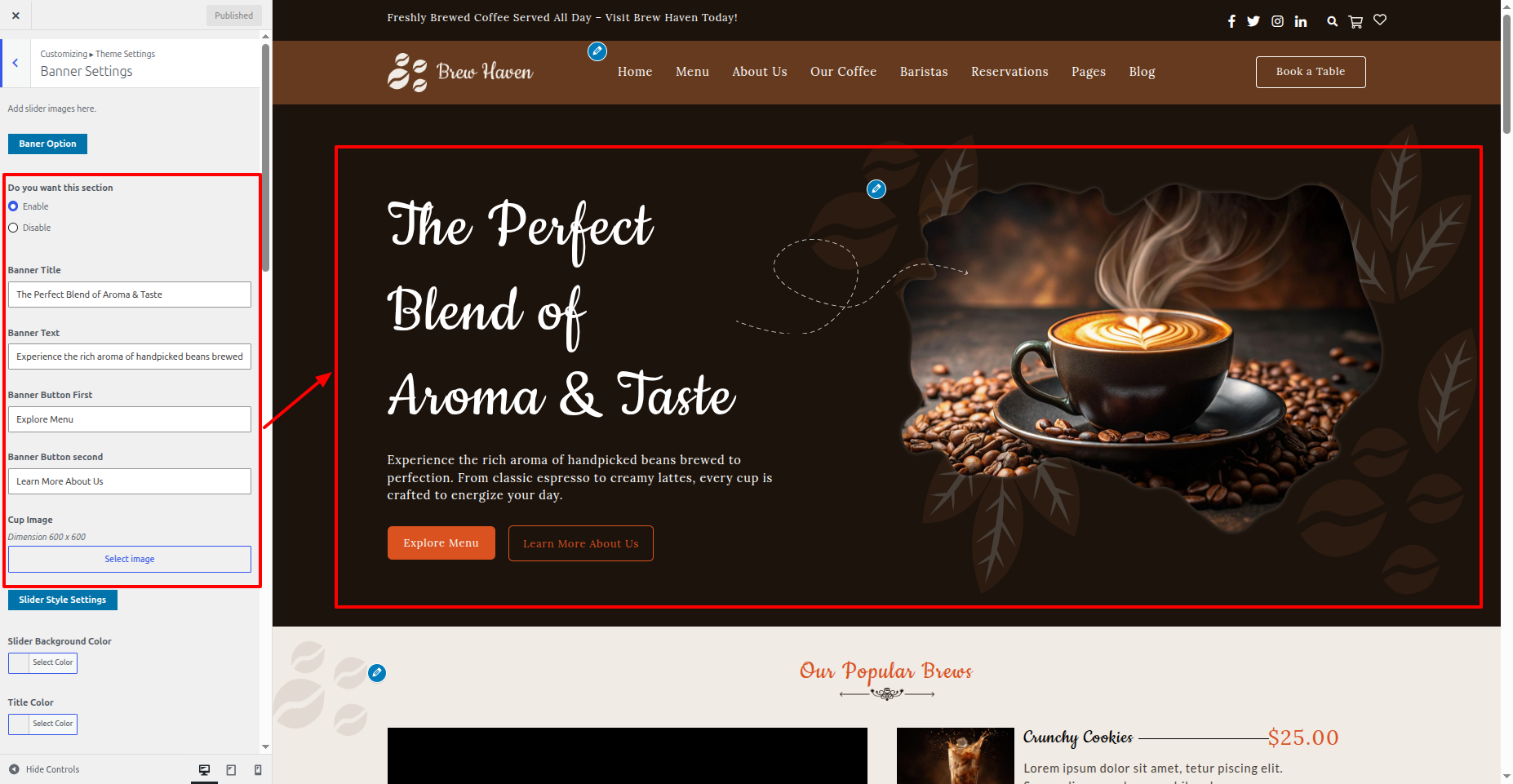
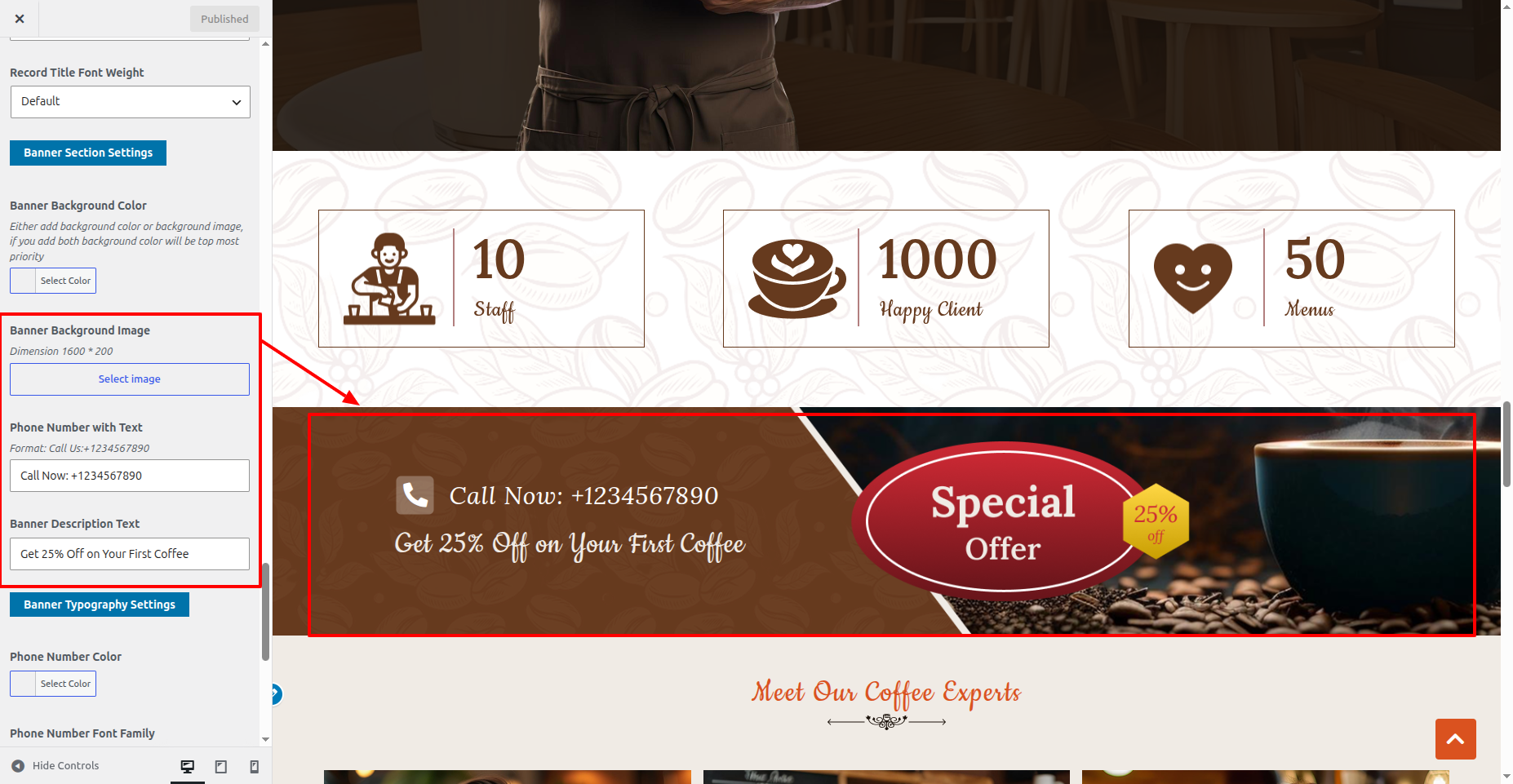
12. Banner

This is the portion of the Banner reference

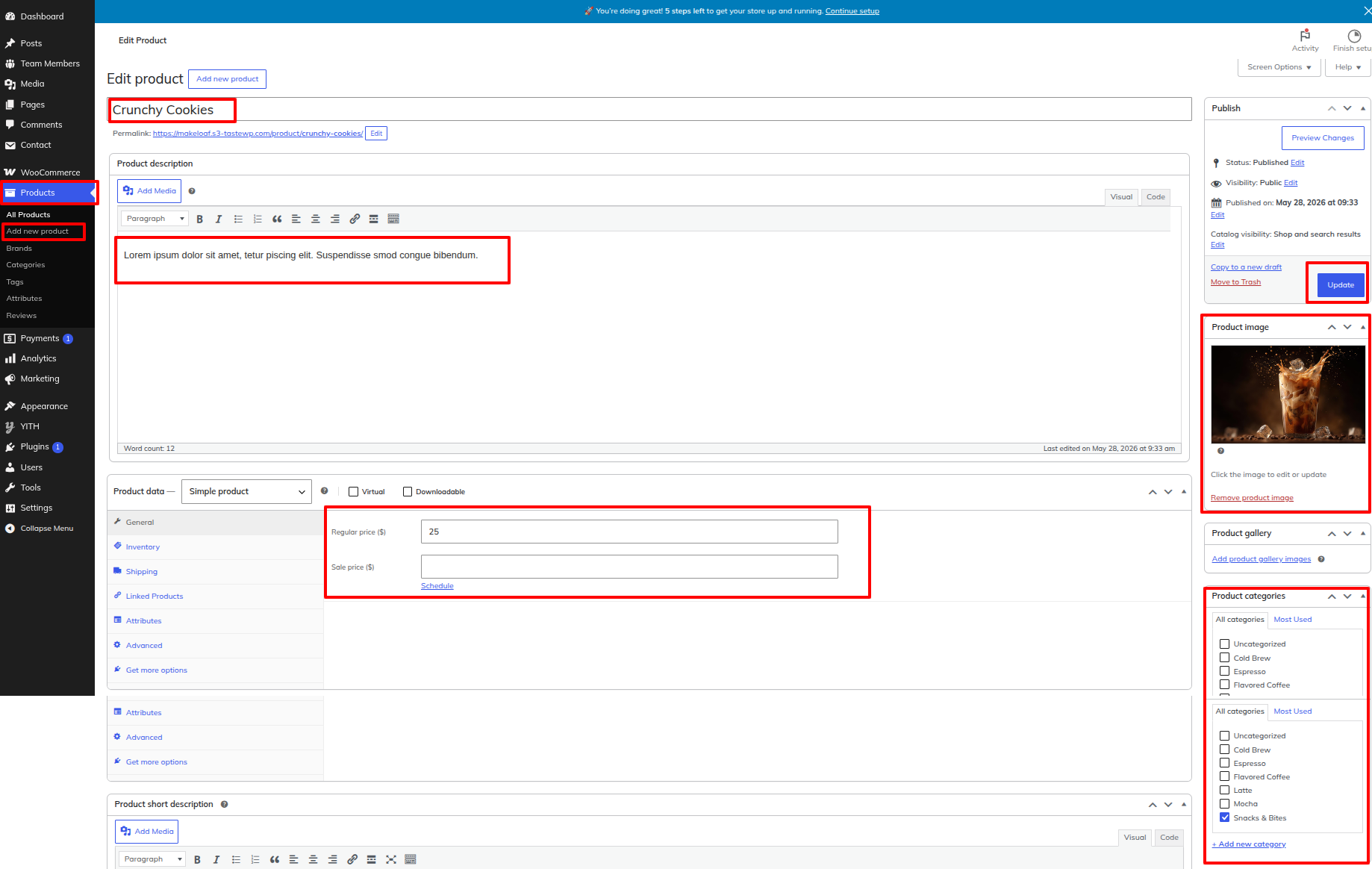
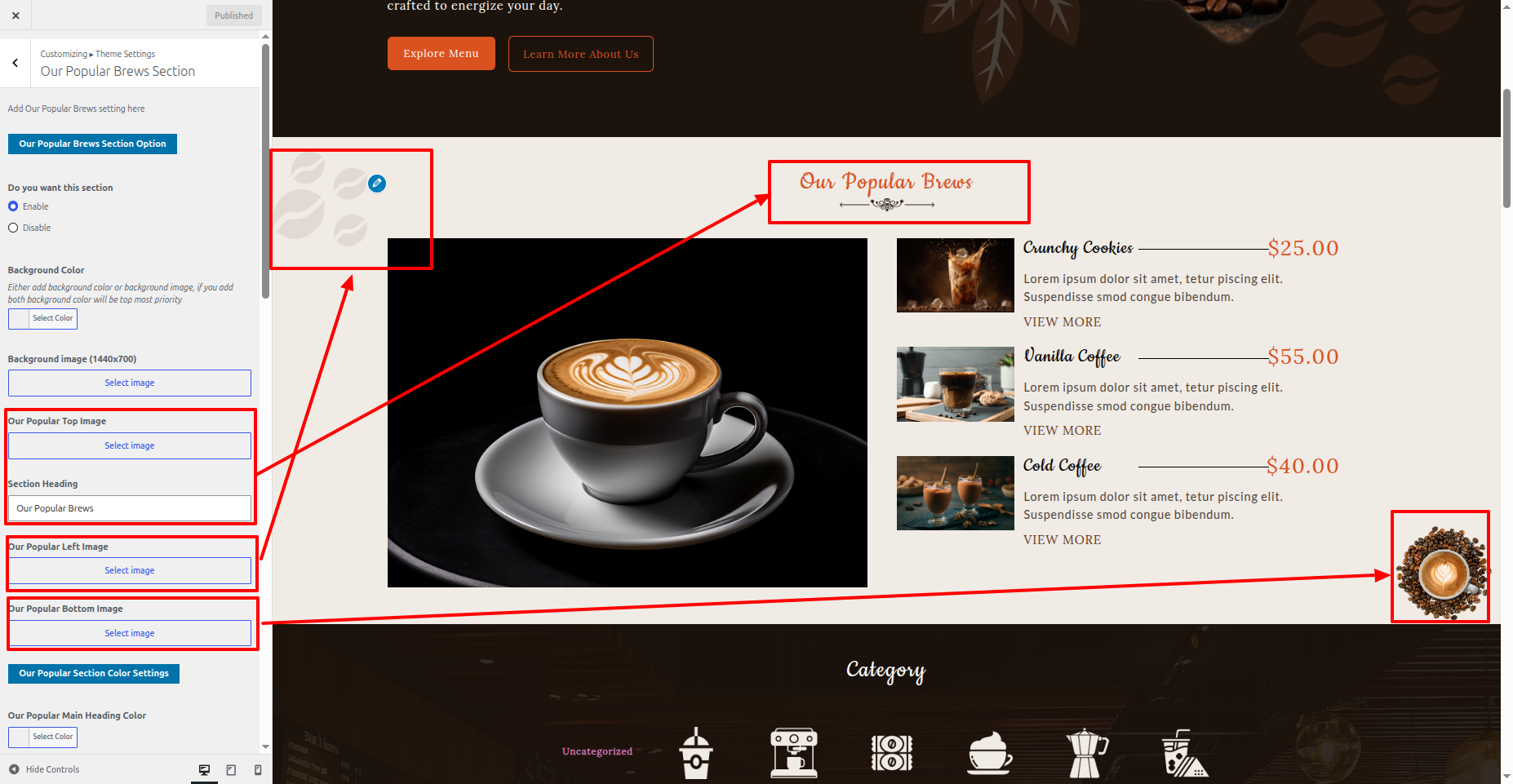
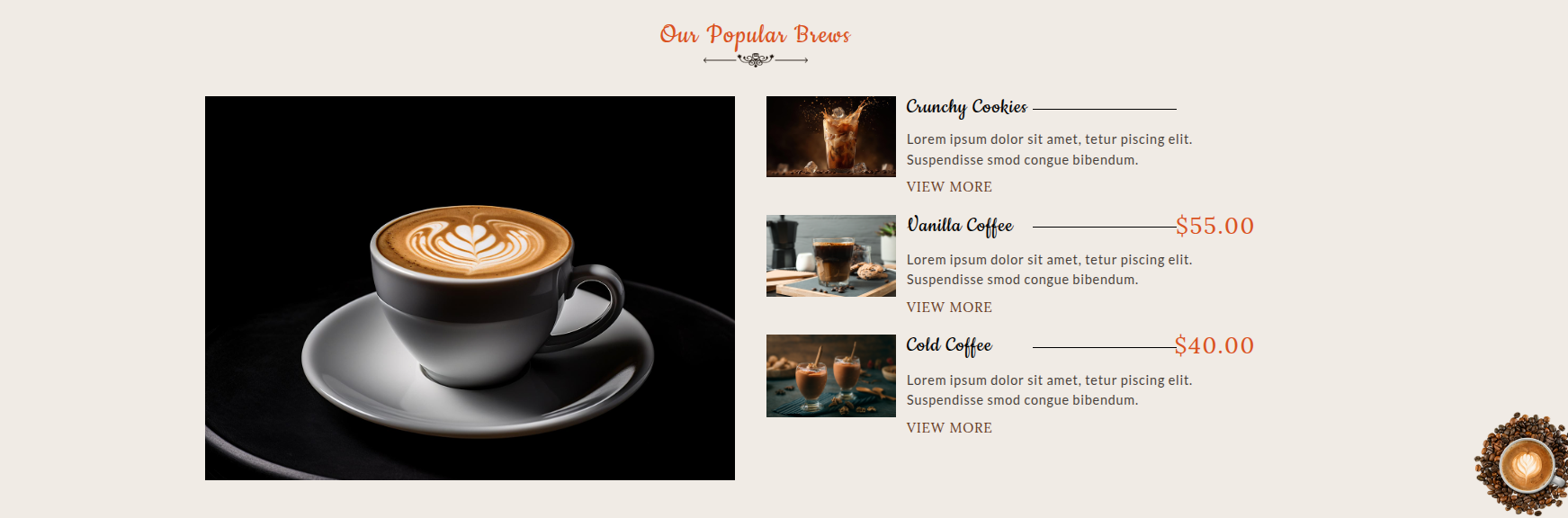
13. Our Popular Brews

This is the portion of the Our Popular Brews reference

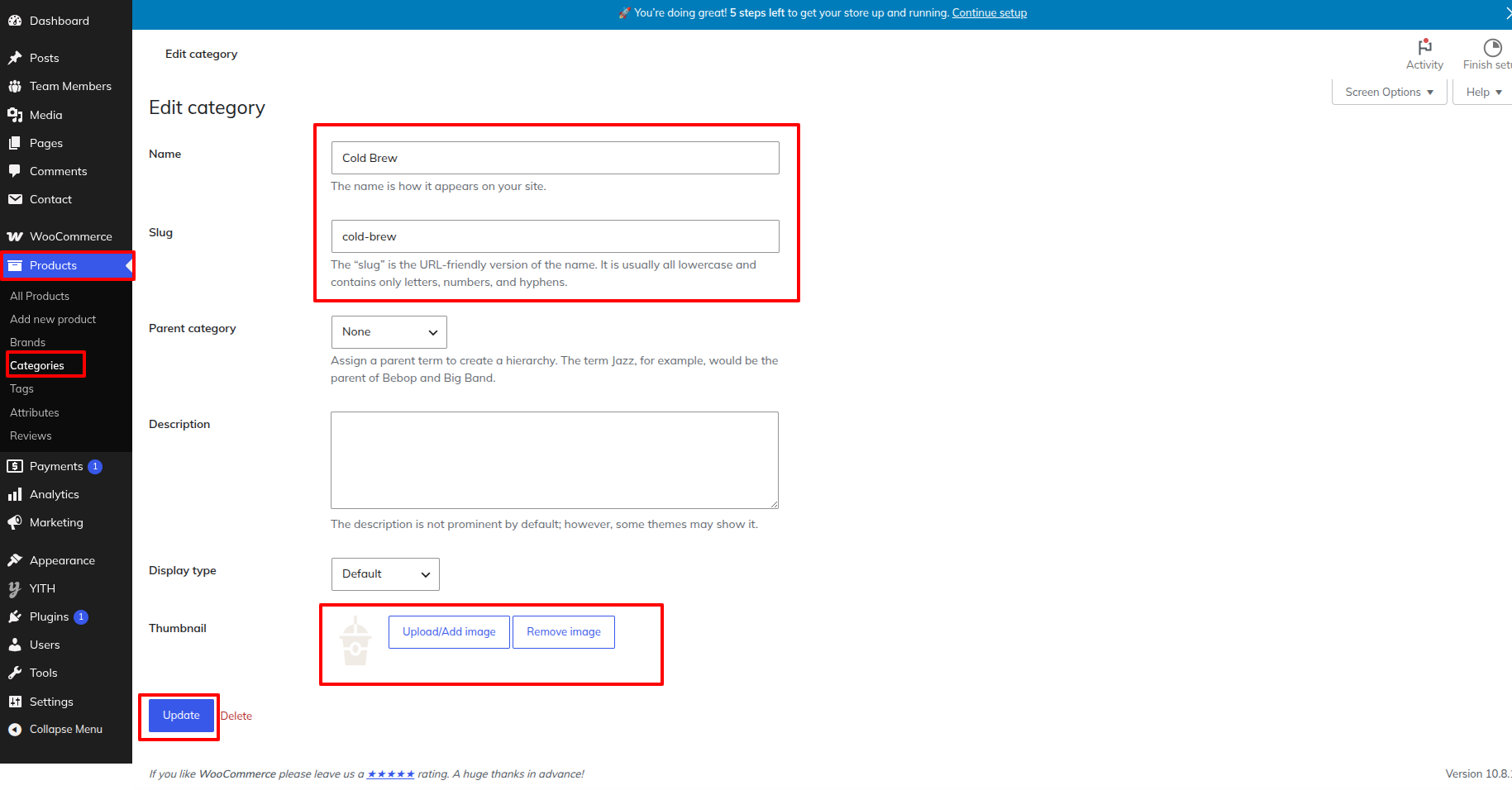
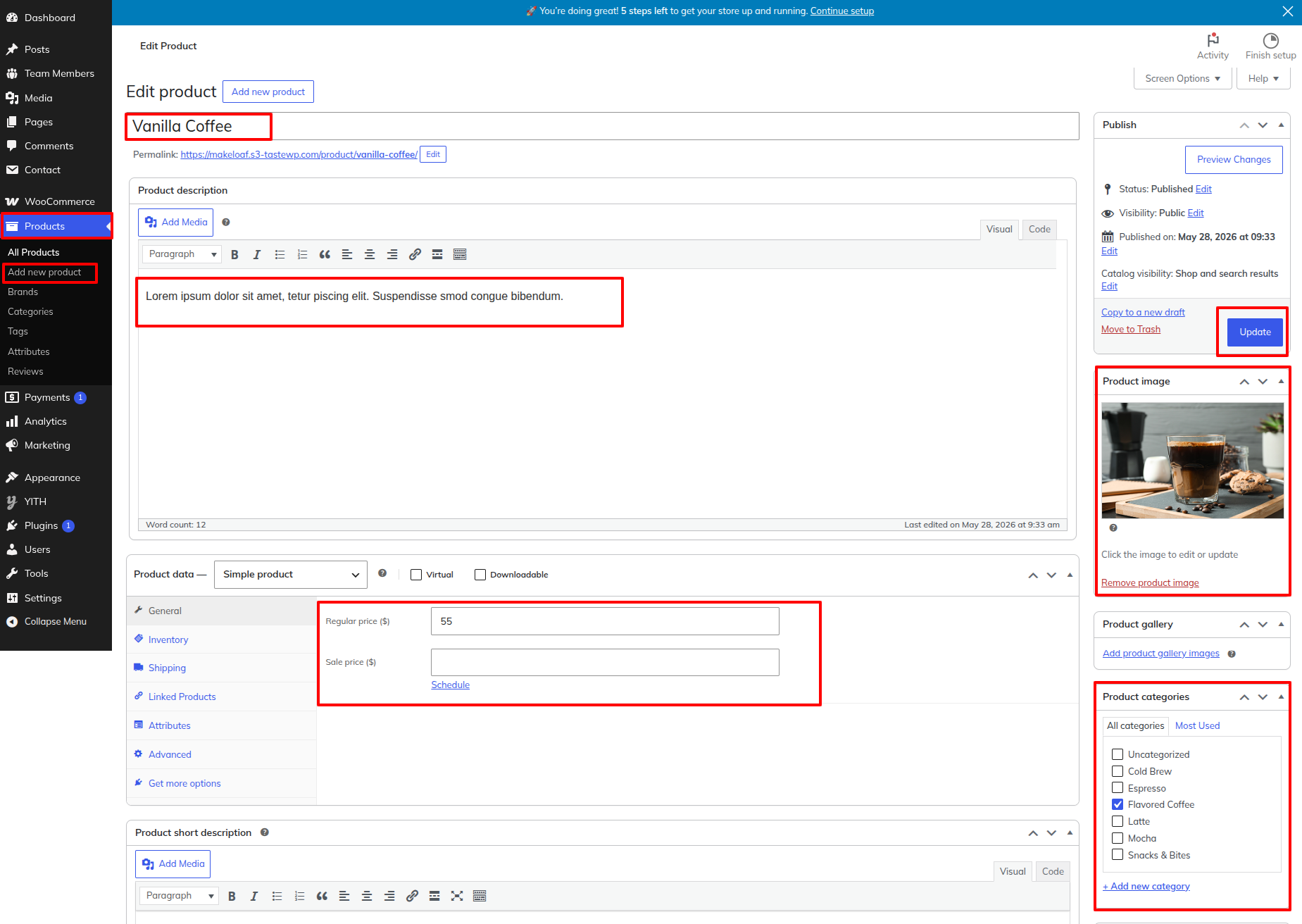
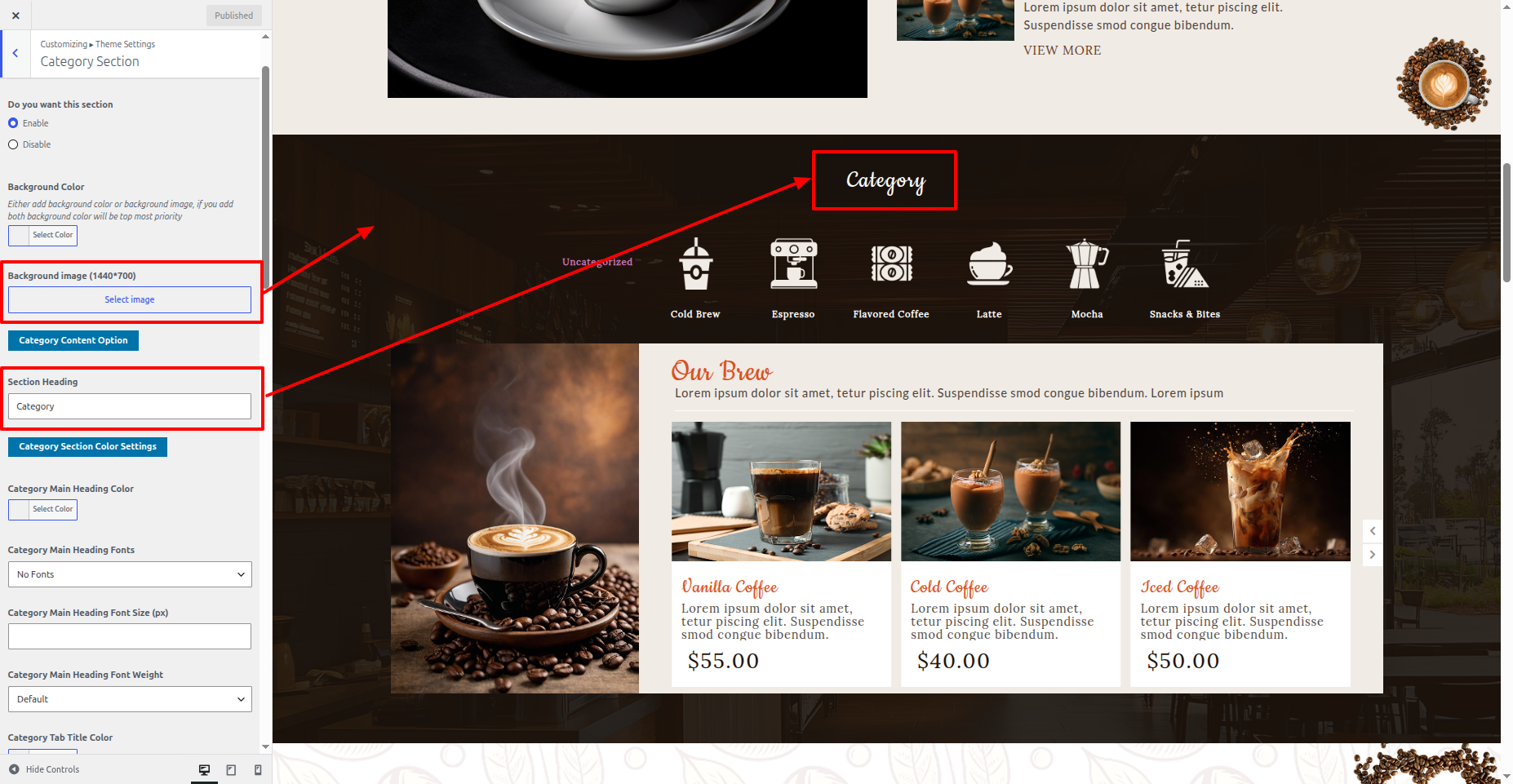
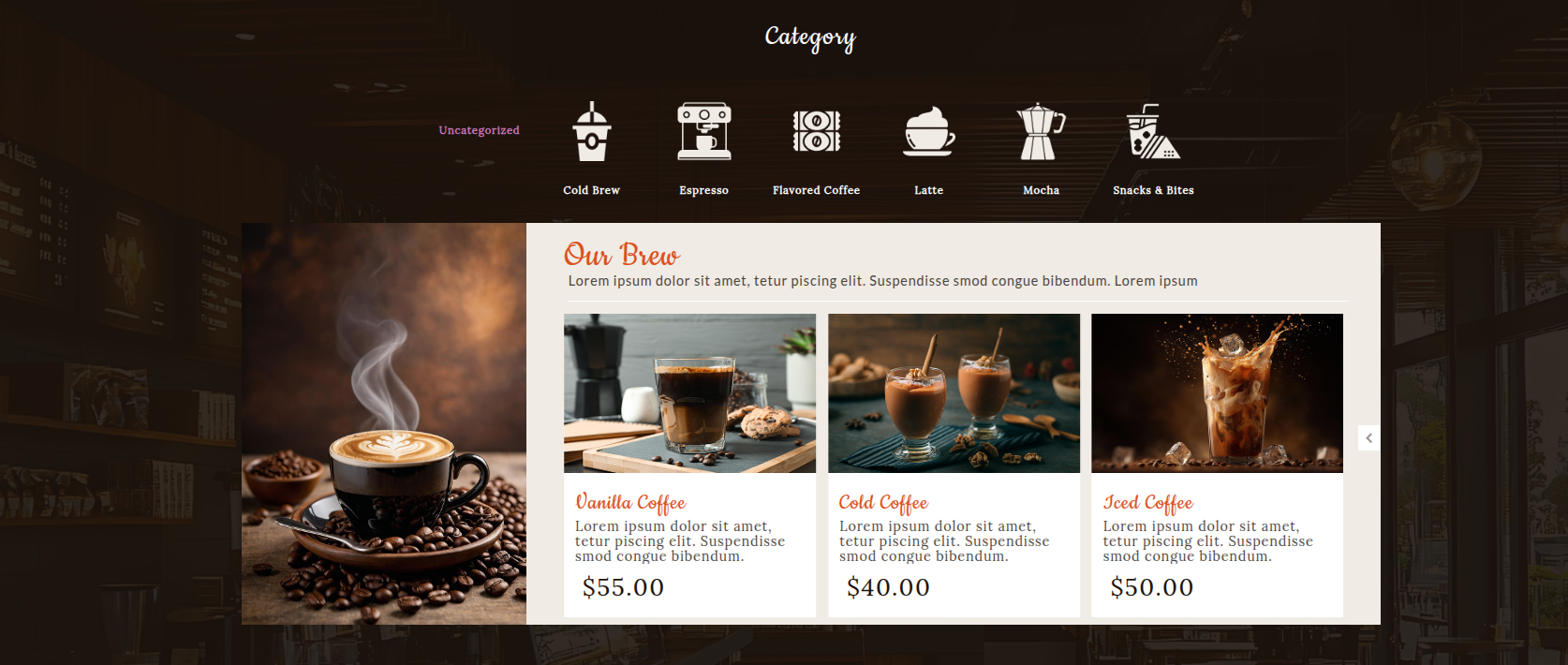
14. Category

This is the portion of the Category reference

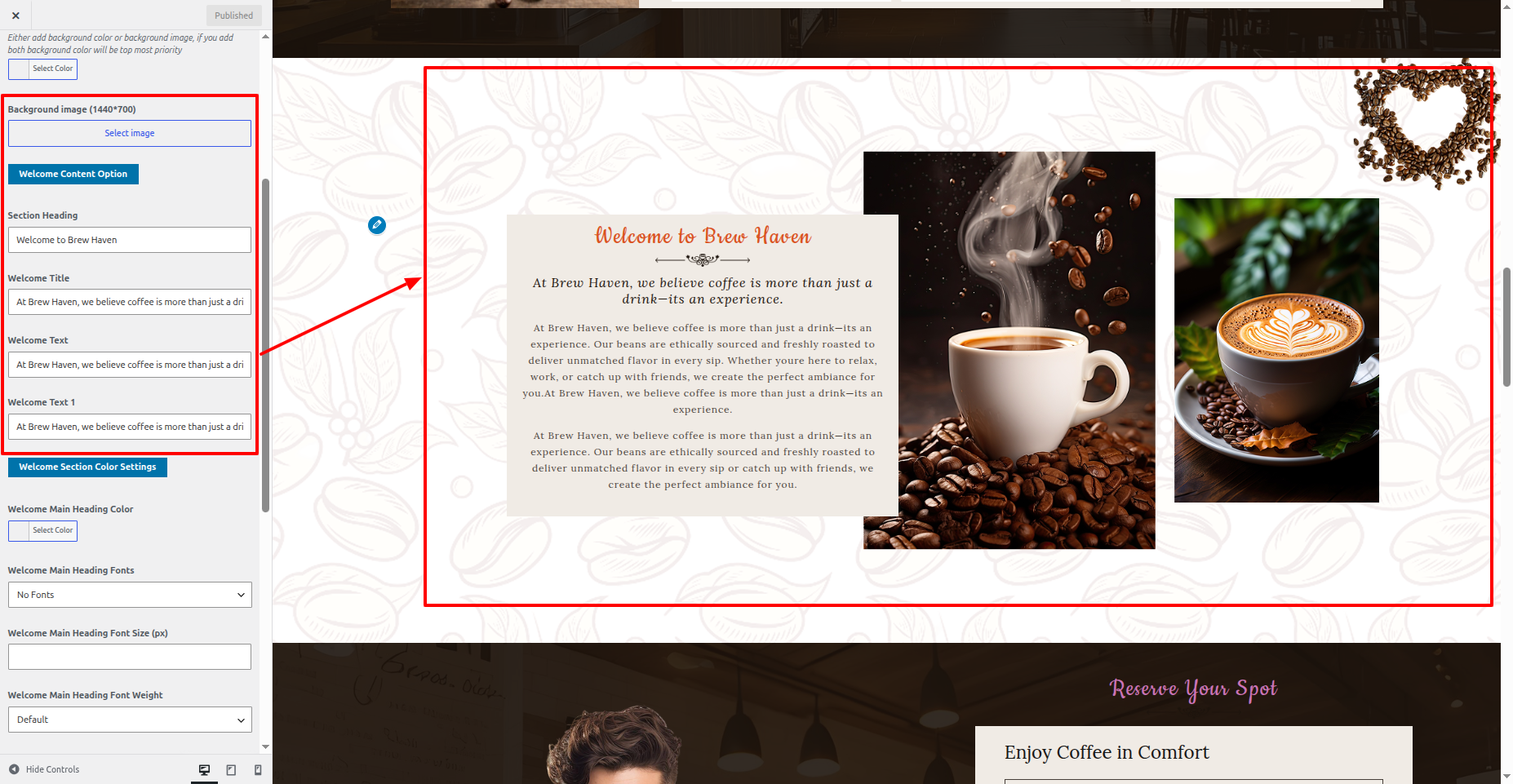
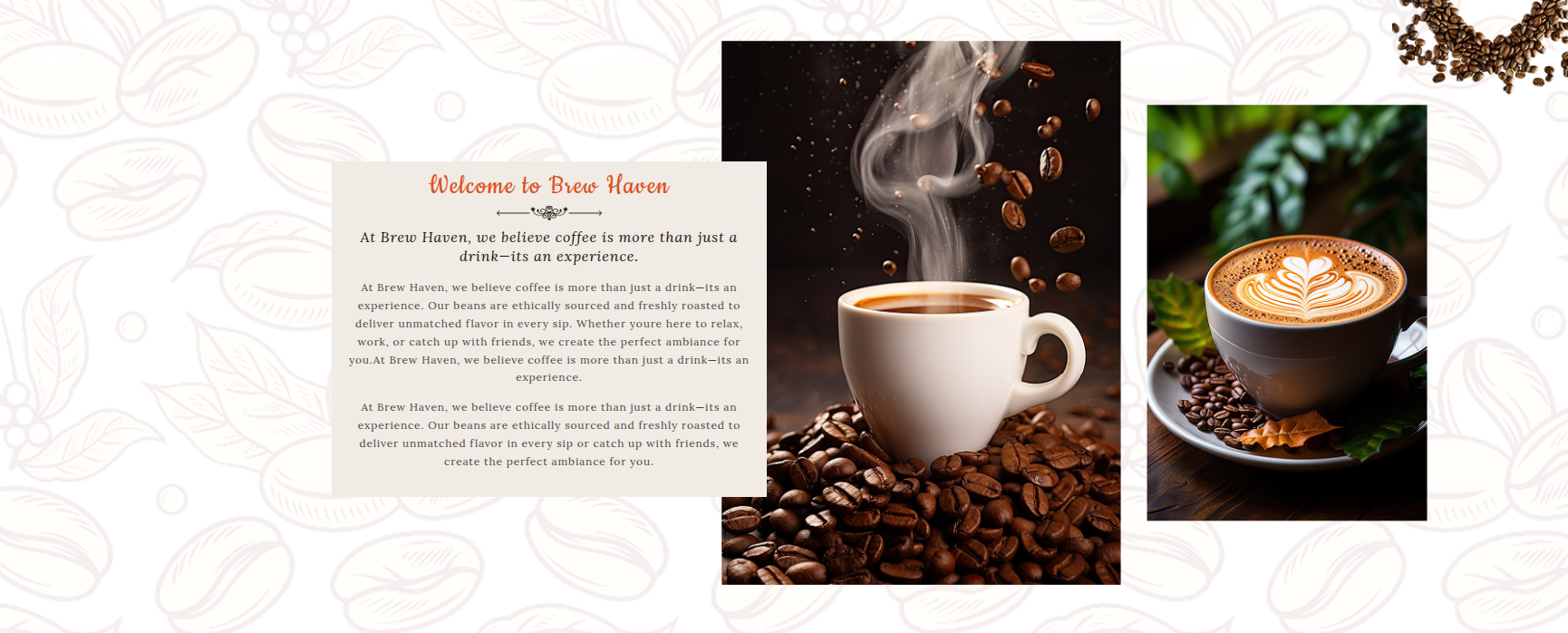
15. Welcome

This is the portion of the Welcome reference

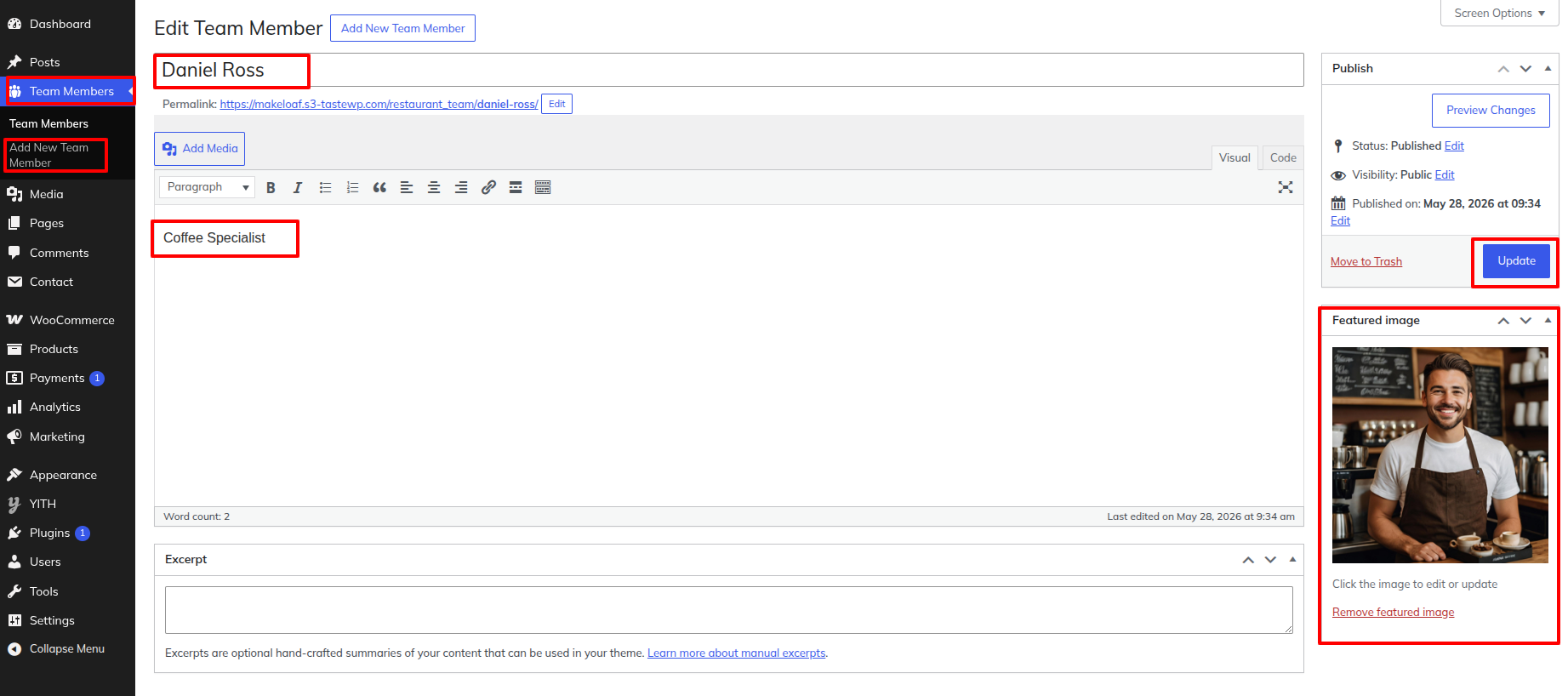
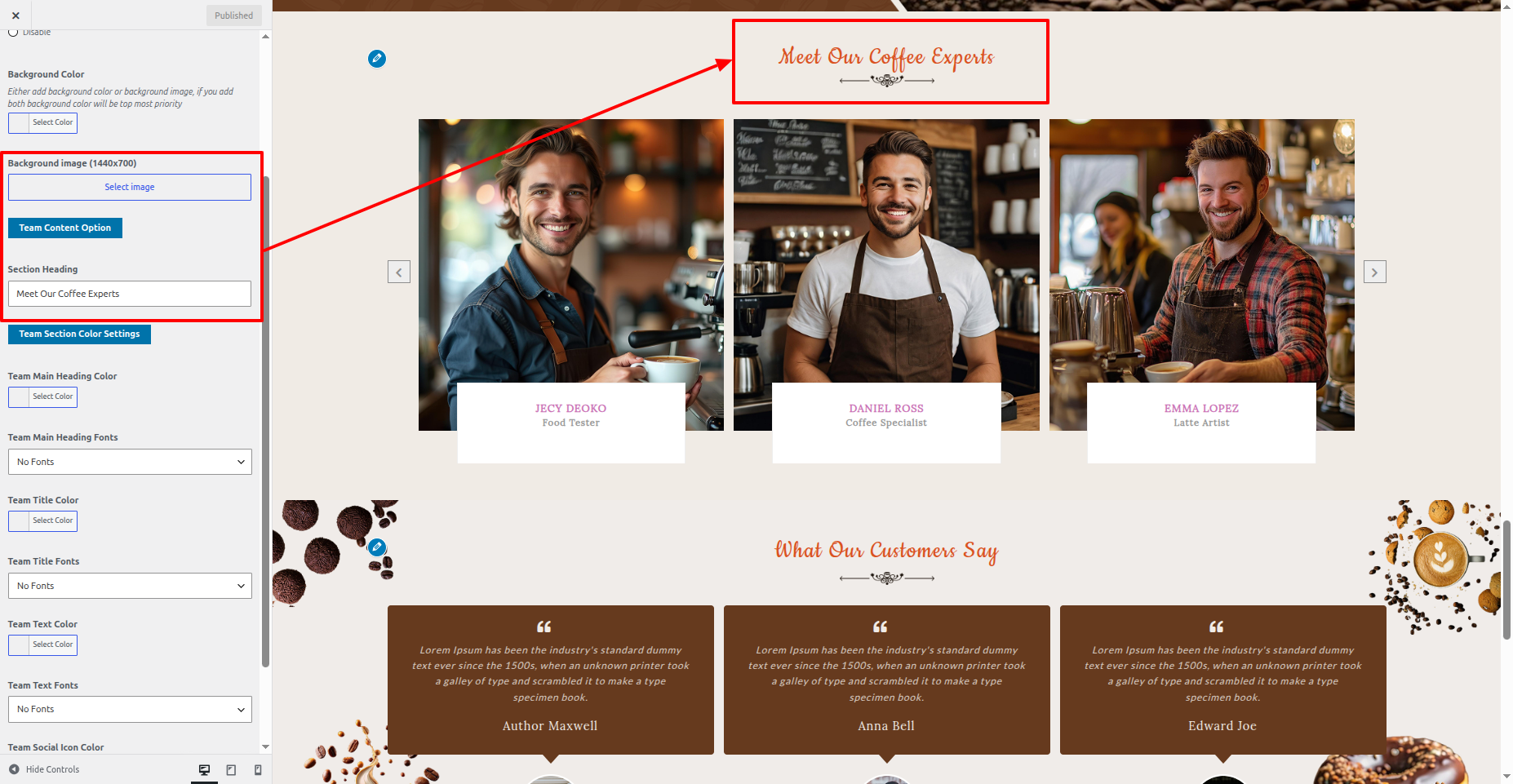
17. Team

This is the portion of the Team reference

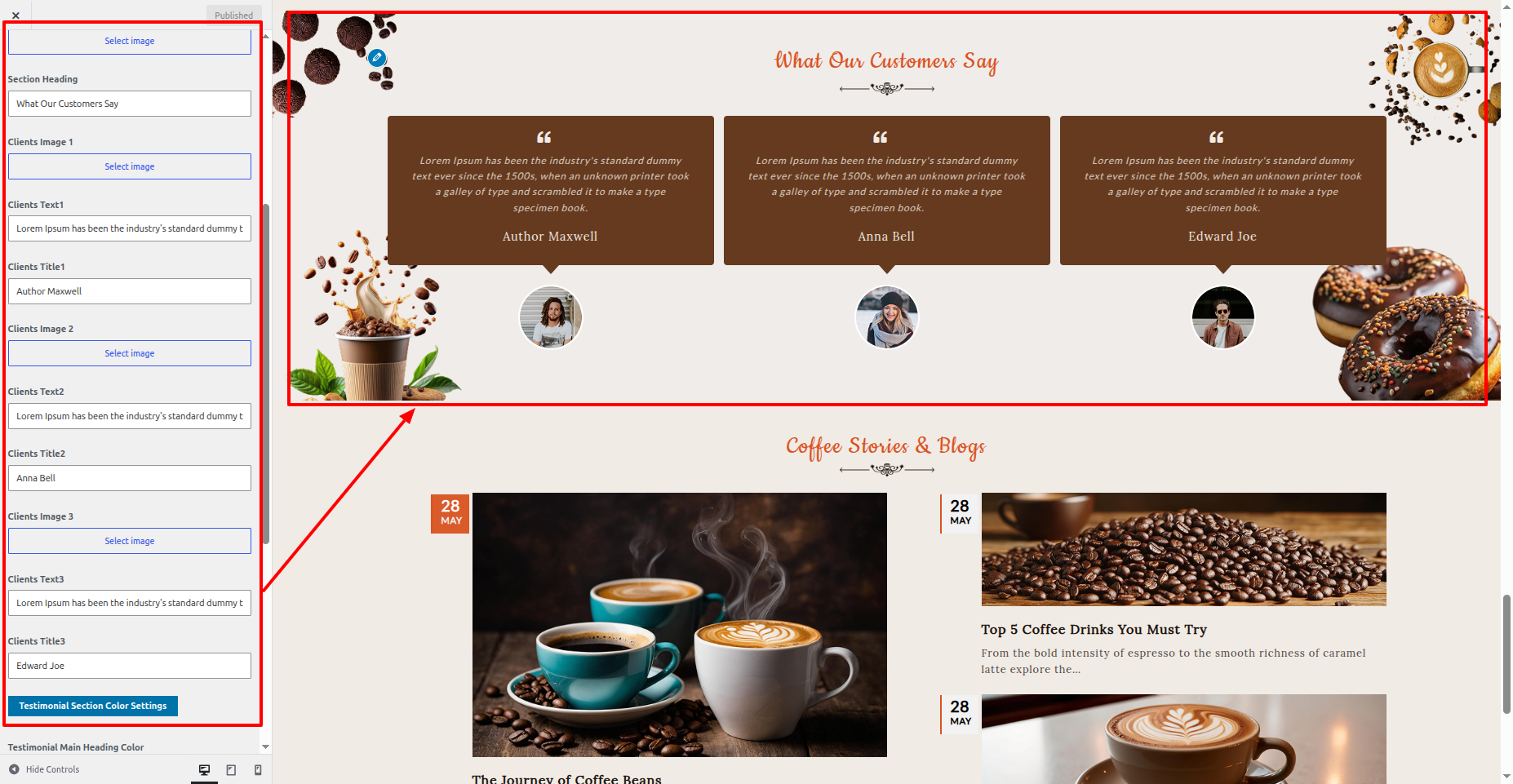
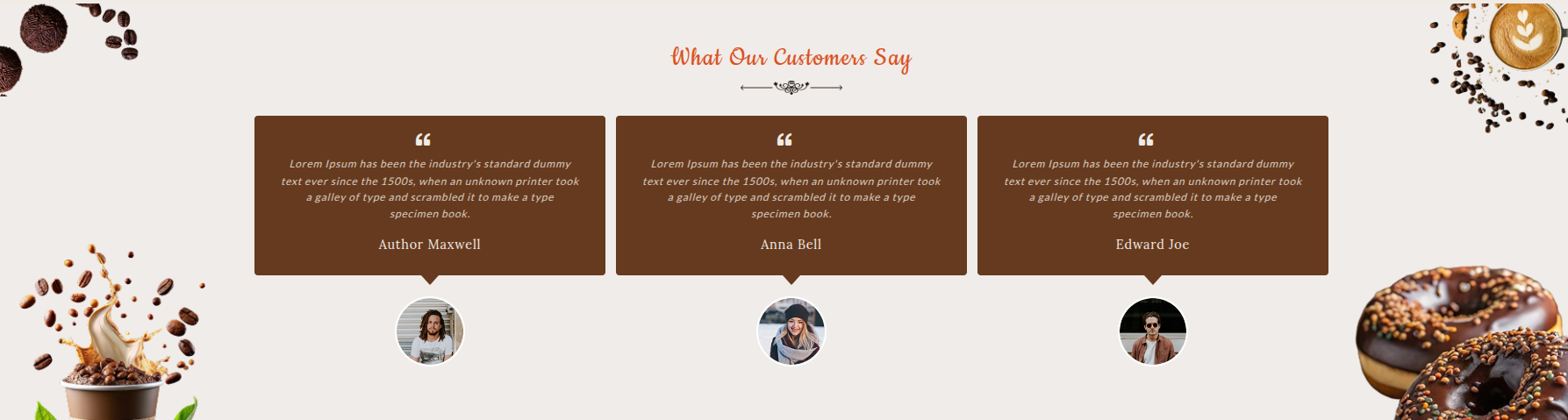
18. Testimonial

This is the portion of the Testimonial reference

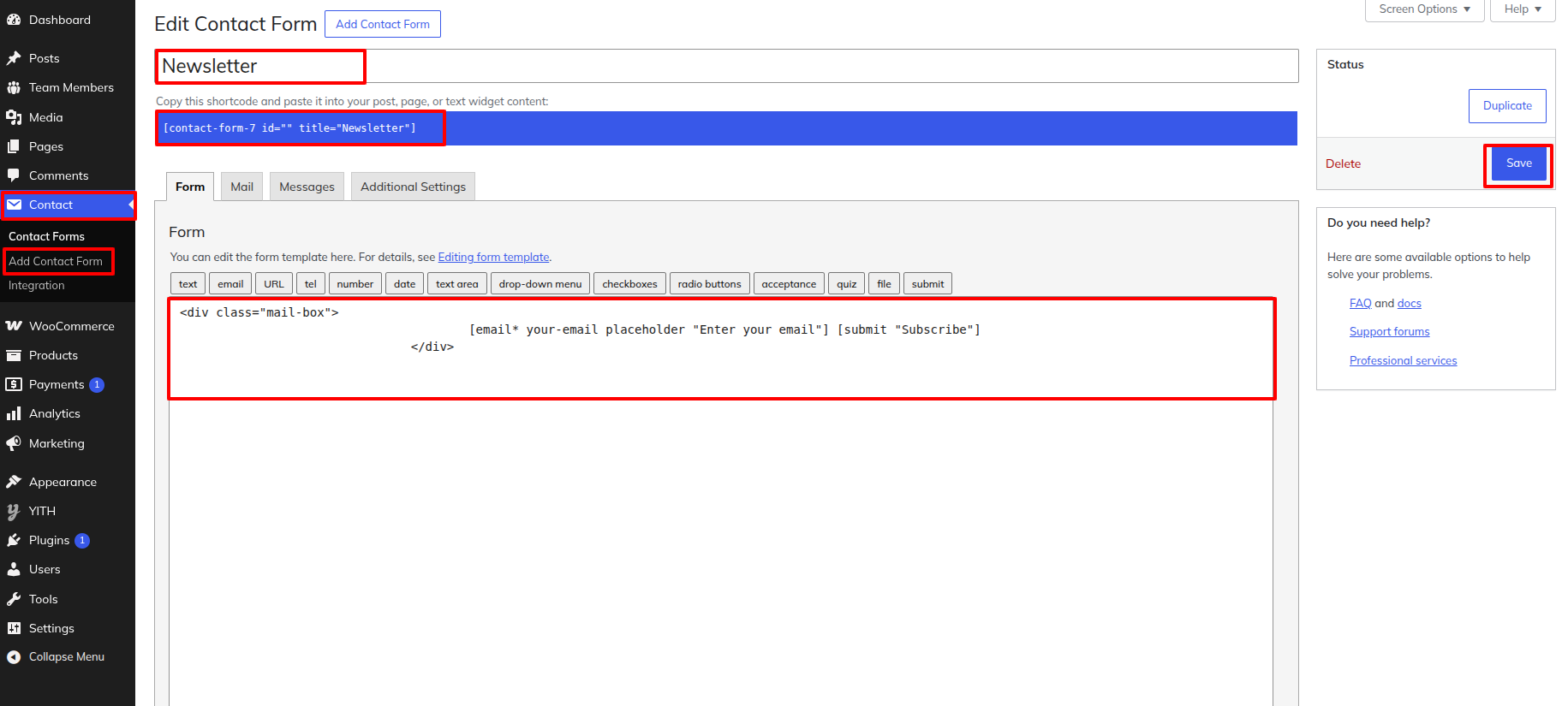
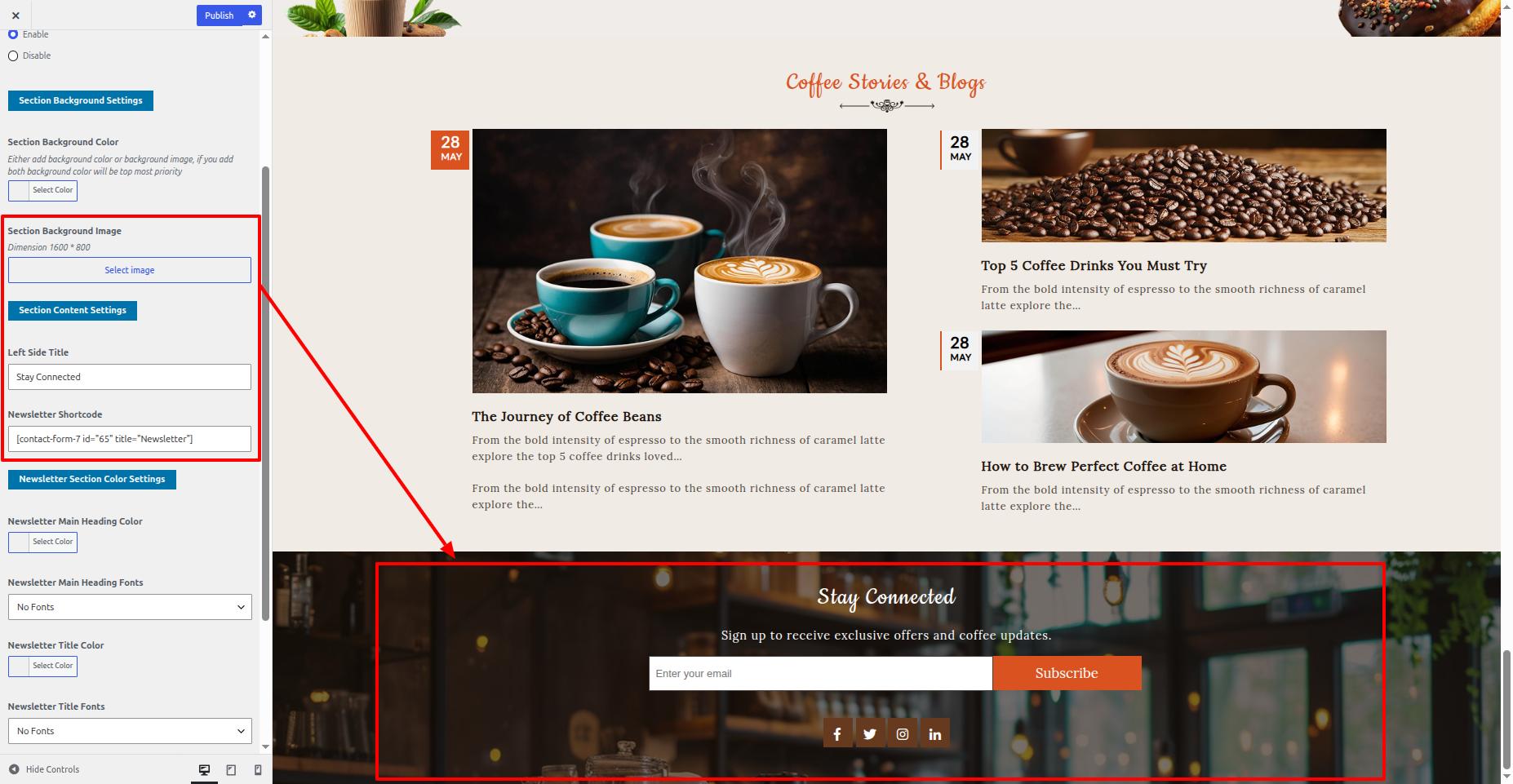
20. Newsletter

This is the portion of the Newsletter reference

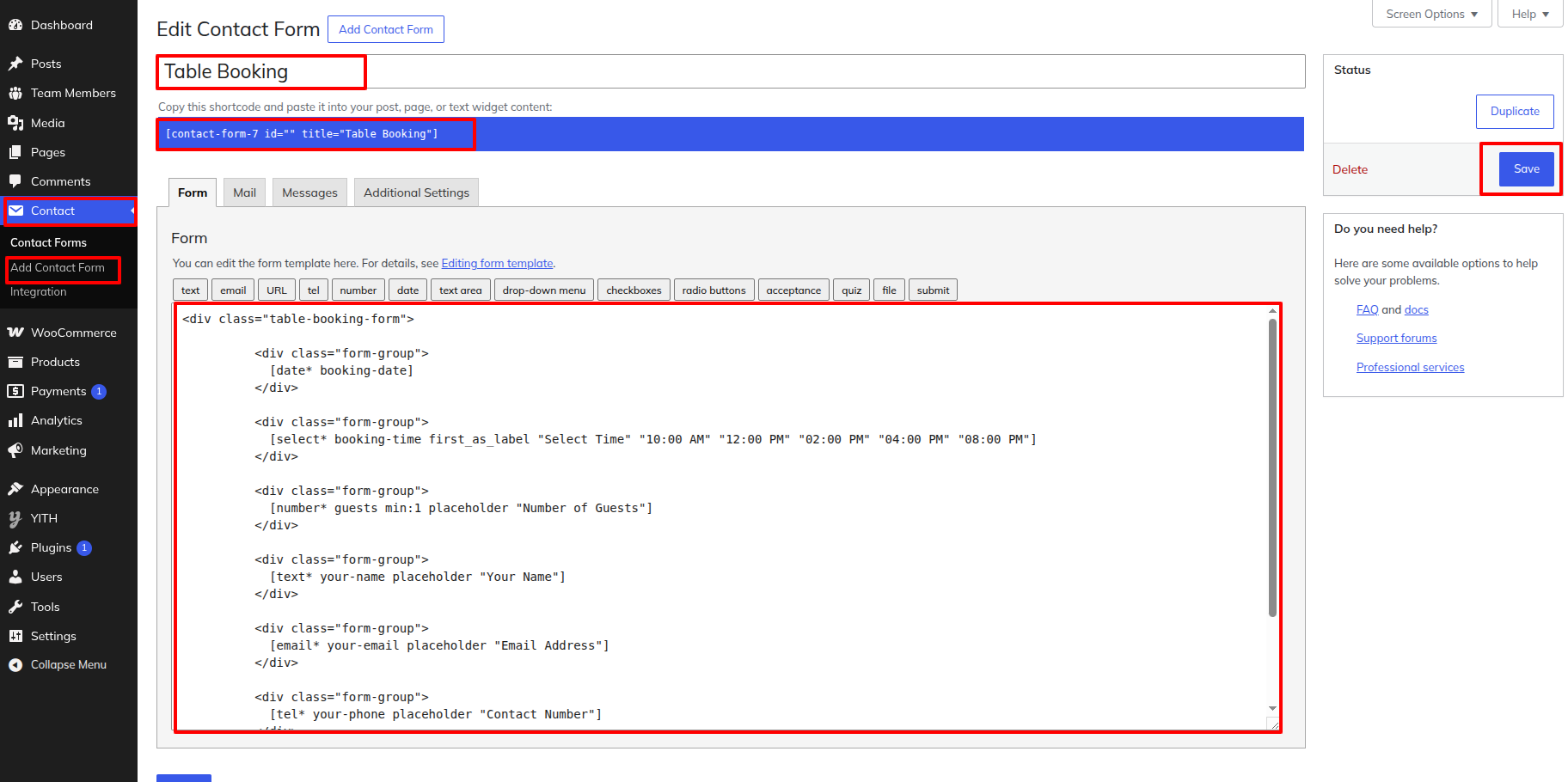
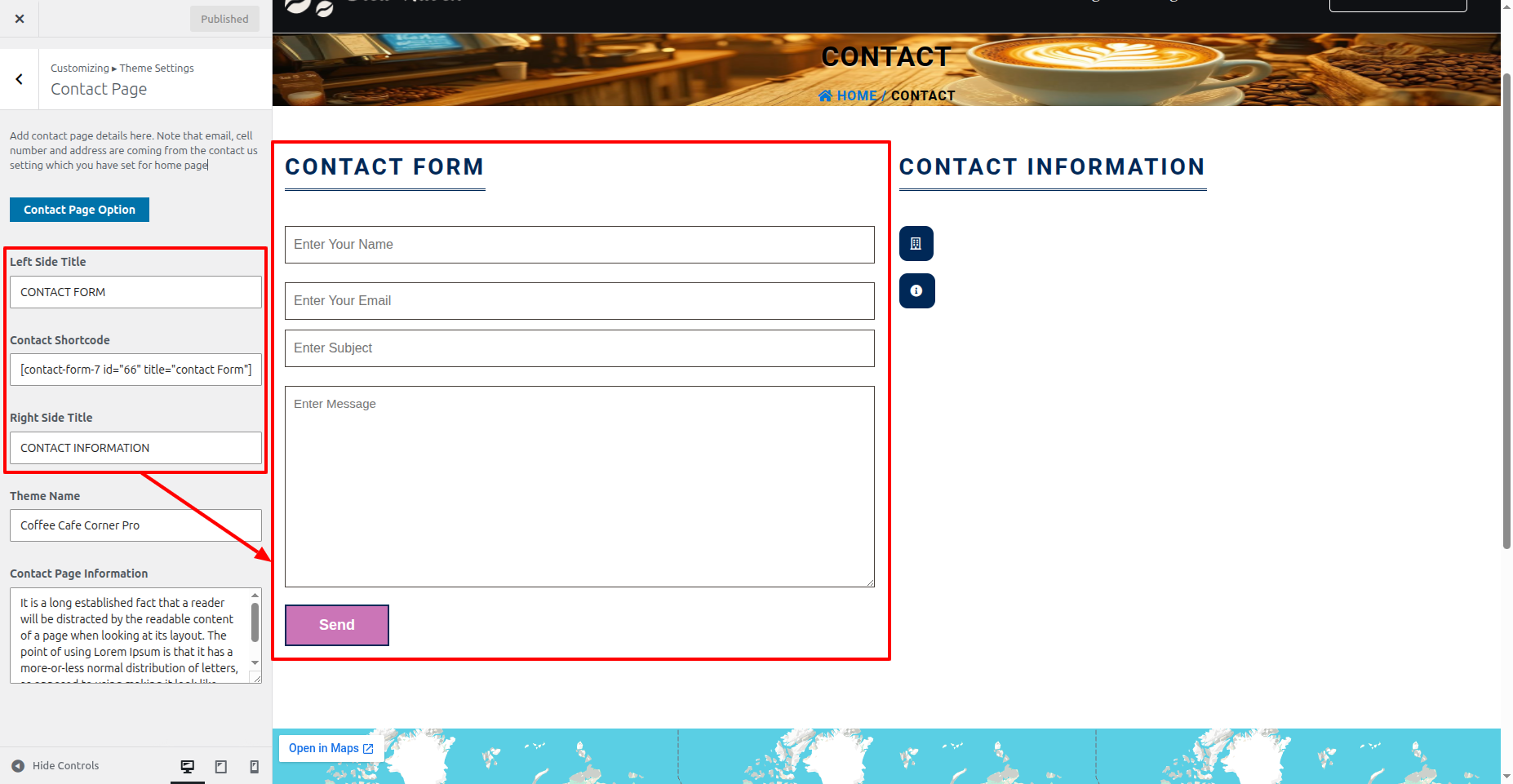
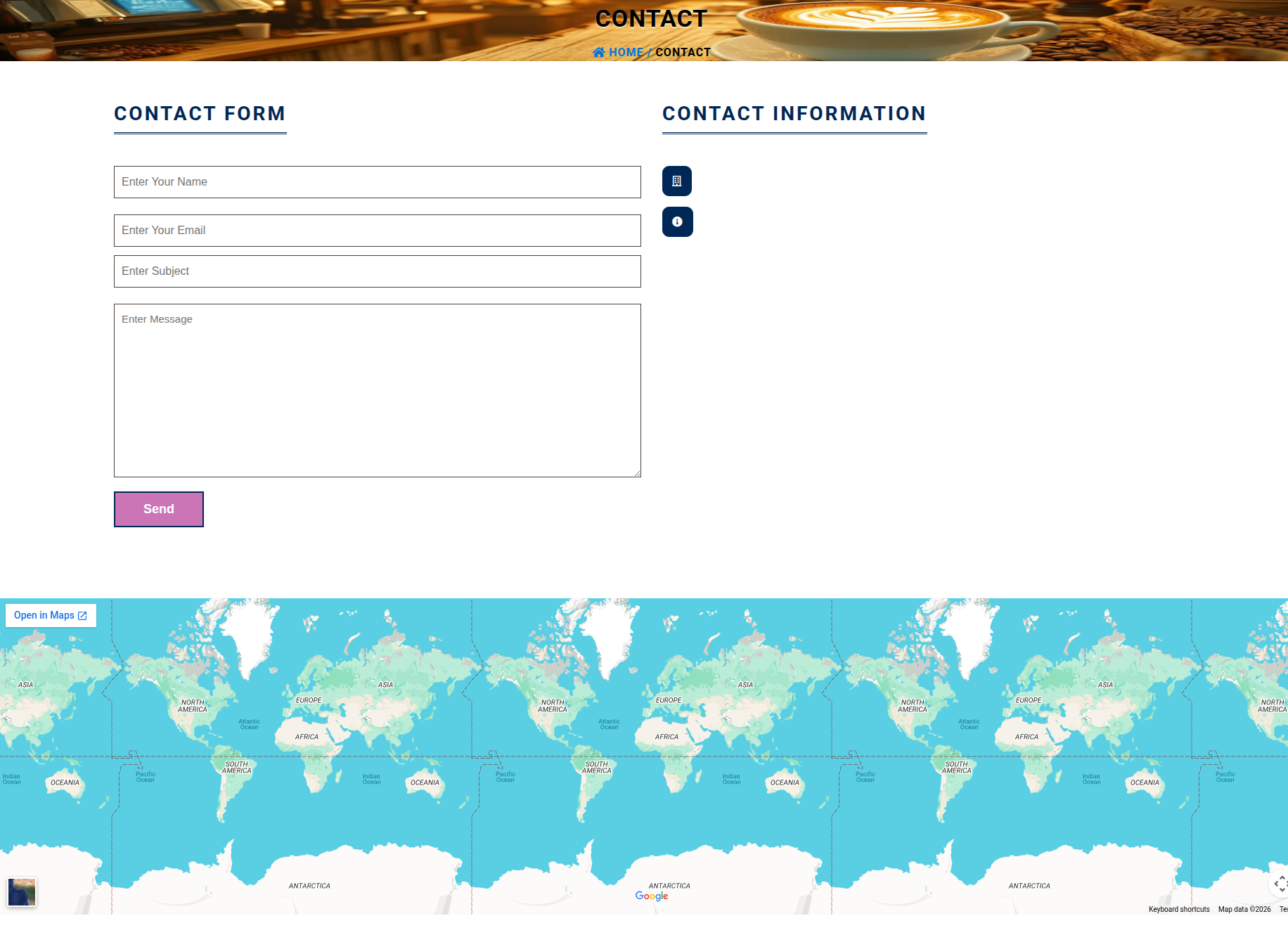
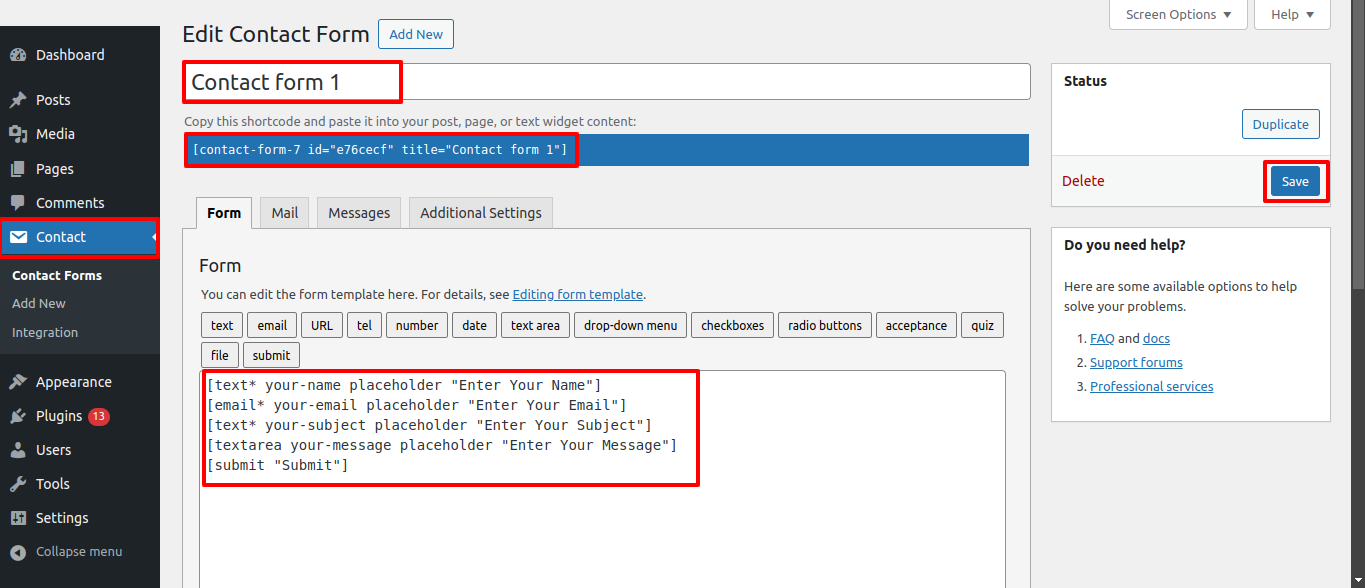
21. Contact Page

This is the portion of the Contact Page reference